OrthoBlock
Well-Known Member
- Joined
- Mar 19, 2021
- Threads
- 8
- Messages
- 133
- Reaction score
- 224
- Location
- Philly Area
- Vehicles
- R1T, X5 PHEV
Thank you! That's helpful.Congrats on getting it up and running! So, the Offroad terminology is a bit confusing, especially for us Rivian owners who have a very specific idea of what Offroad means.
Basically, in the context of openpilot, Offroad means not driving. It just puts the Comma in a state where it thinks you're not on the road driving - thus Offroad.
If you want access to your files the easiest way is to get your Connect.comma.ai account set up. You can upload your logs and videos to connect, then share or download them. And you can also use them to generate clips with the UI overlay like this:
Honestly it's not great as a dashcam, but it can get the job done in a pinch.
Also a couple of more questions if you don't mind:
1) what does the top right hand corner icon mean in the driving screen. When I press it the logo changes from "comma ai" logo to some other logo and the camera angle seems to change. Is this just a visual thing, or is it changing some driving setting?
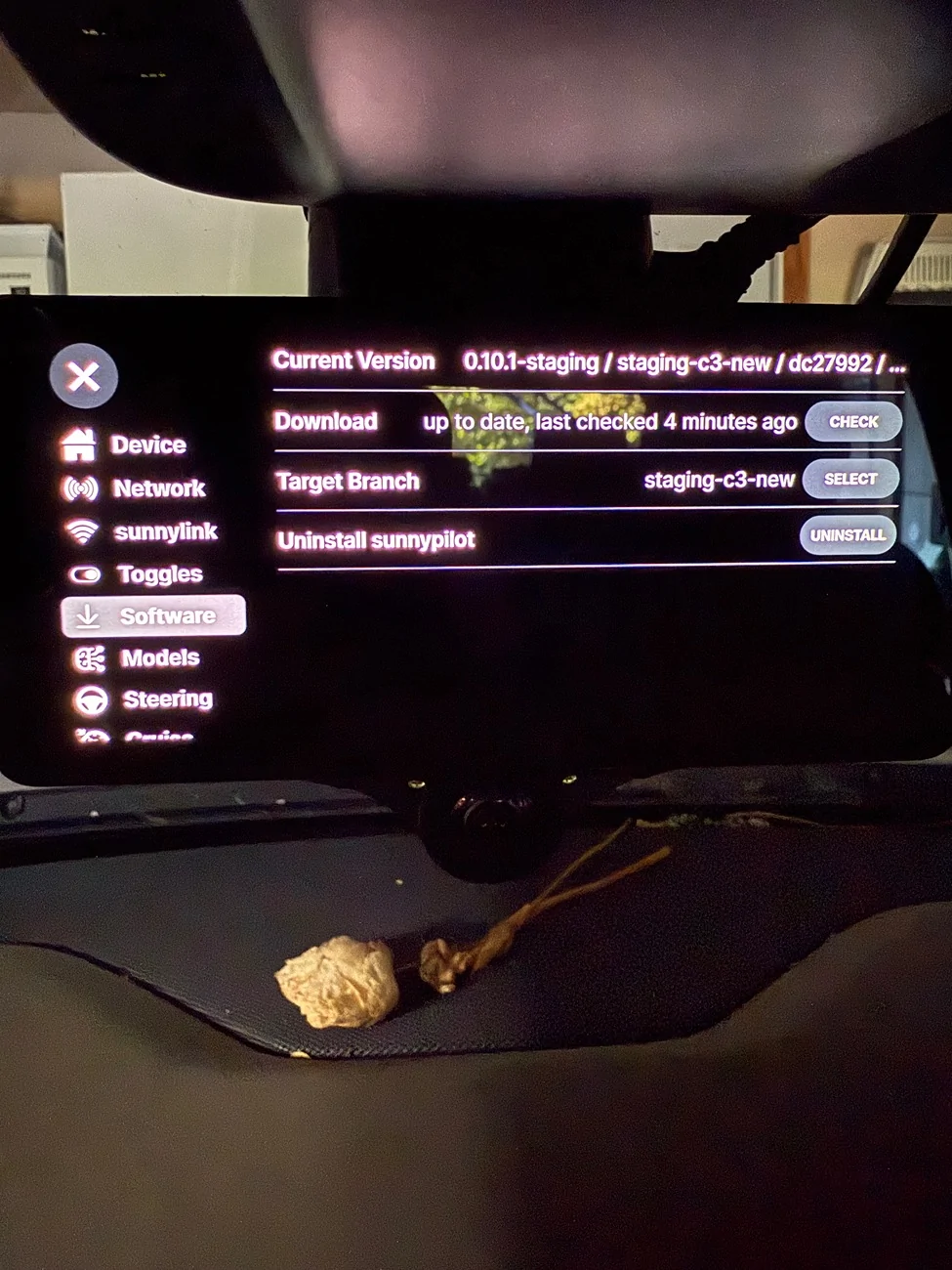
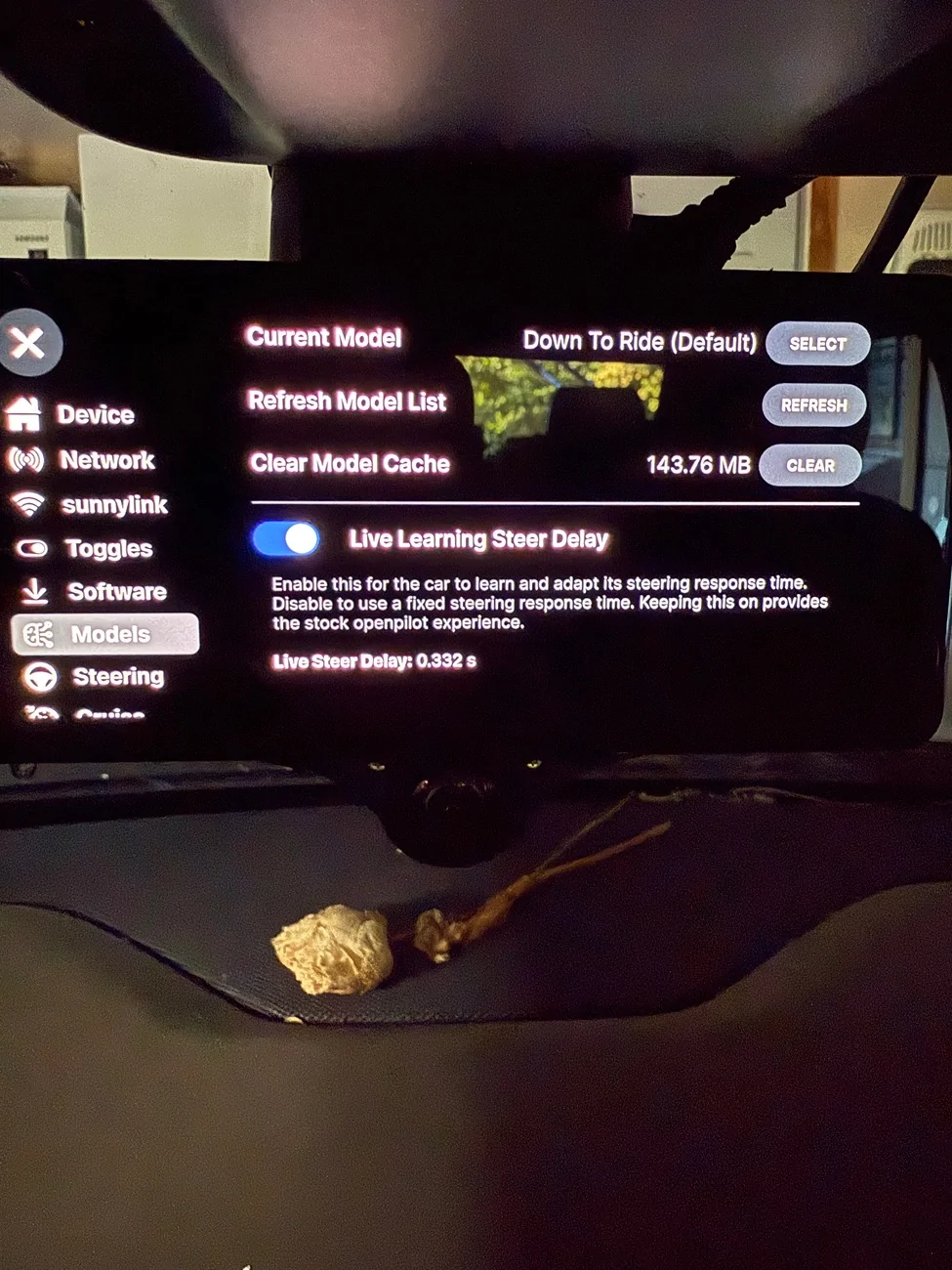
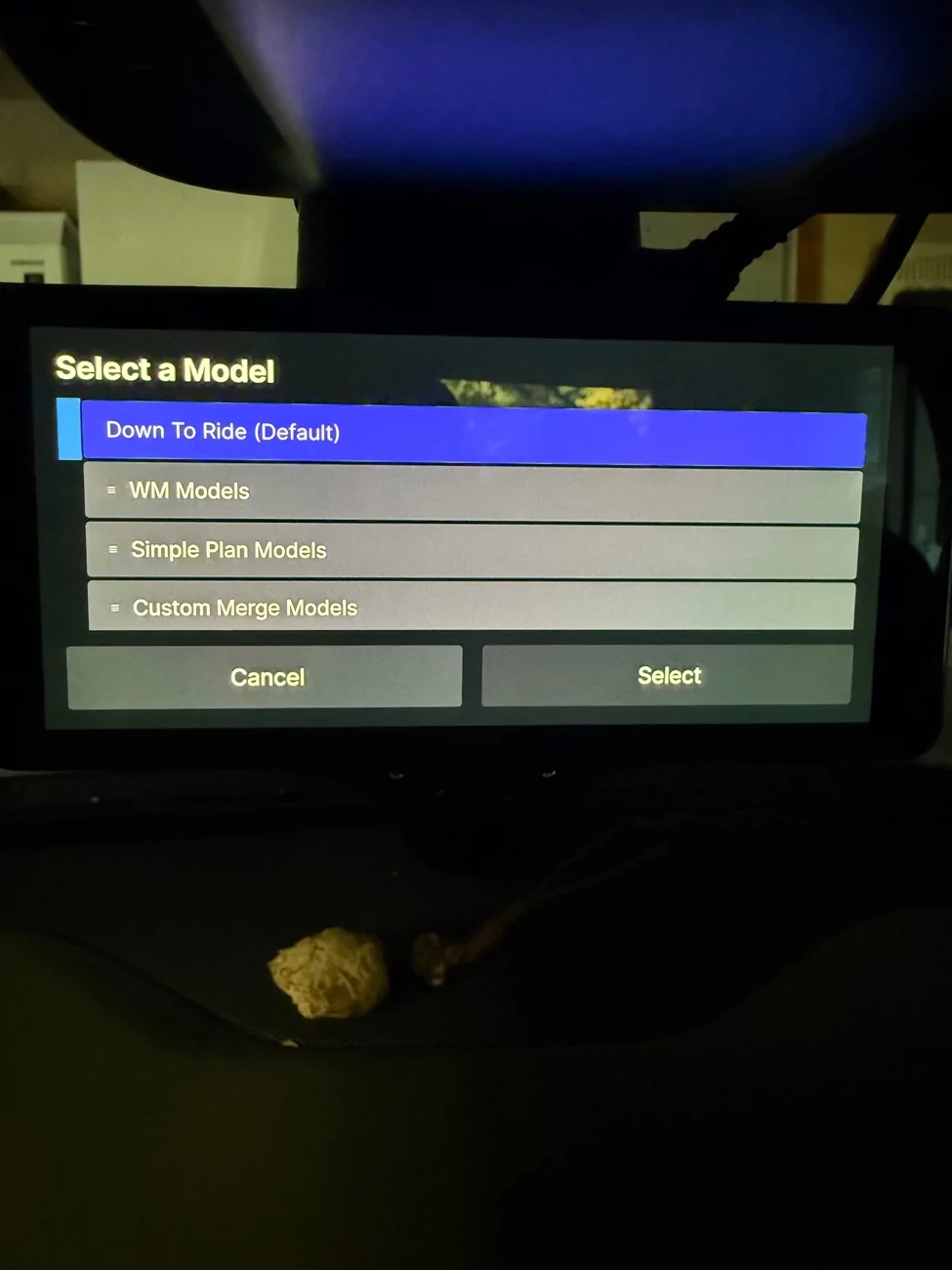
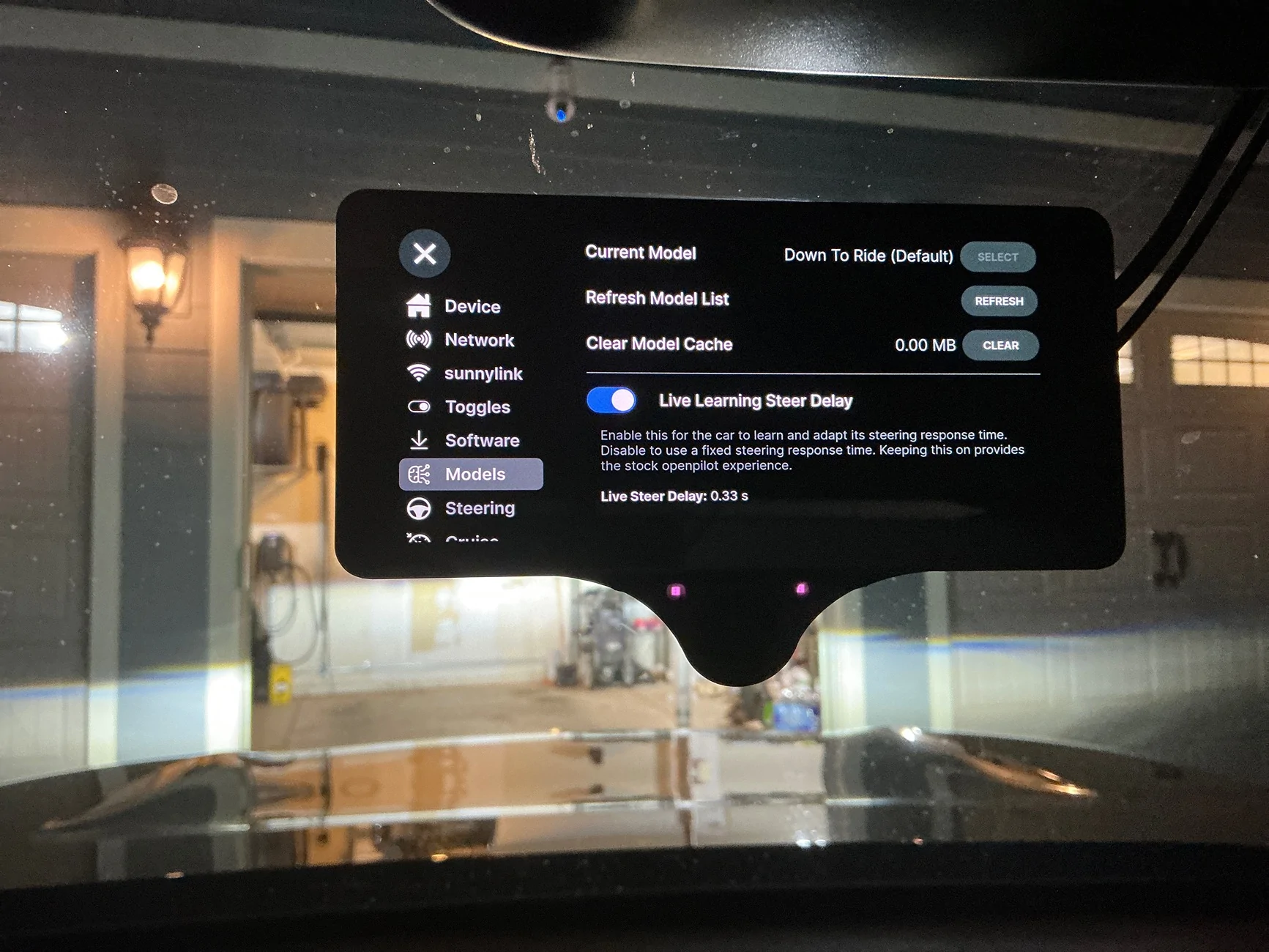
2) I tried to update my driving model, currently Down To Drive -- at first, I saw the option to "select" a different model, but when I clicked it, the screen somehow timed out before I had chance to select a new one, and now the "select" option is grayed out.
Clicking the Refresh Model List doesn't seem to do anything [I get menu that it's refreshing, but nothing happens...]
Any advice? I'd like to try out TR14 or TR16
EDIT: Re #2 -- looks like the 3x was not in the right "mode" [perhaps it was in driving mode, and thus the model update was not available]. After sitting around the car for a while in P, it seems to have flipped back to non-driving mode where I was able to select a driving model -- downloadin the Tomb Raider 16 right now... [not sure if that's a good or bad idea...]
Sponsored
Last edited: