
starbux
Well-Known Member
- First Name
- Dom
- Joined
- Sep 7, 2024
- Threads
- 18
- Messages
- 104
- Reaction score
- 490
- Location
- Gig Harbor, WA
- Vehicles
- R1T
- Thread starter
- #1
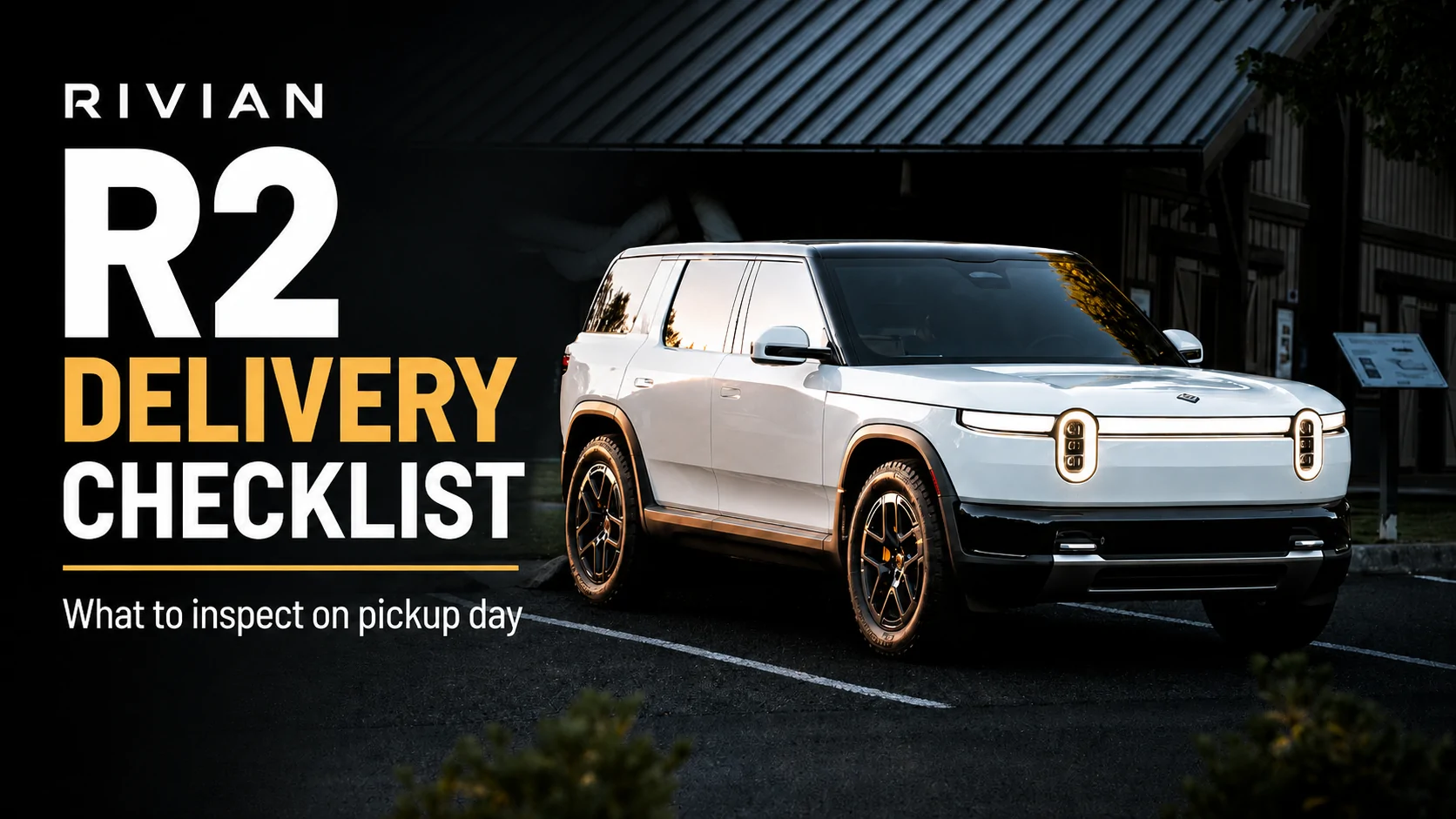
Hey new R2 owners about to take delivery! I just updated my R1 delivery checklist video with a dedicated R2 delivery check list. I even live action searching the user manual and putting in a service ticket due to my R2 ... being broken looool. Here is the list also incase you want to print it out for yourself.
 RIVIAN R2 DELIVERY CHECKLIST
RIVIAN R2 DELIVERY CHECKLIST
AT THE DELIVERY CENTER
BEFORE YOU LEAVE
Confirm the VIN matches your paperwork
Confirm the R2 is transferred into your Rivian app
Make sure your phone key works
Confirm your key cards and key fob, if included, are present
EXTERIOR
Walk around the entire vehicle
Check for dents, scratches, chips, or paint damage
Check panel alignment and panel gaps
Check trim pieces for anything loose or misaligned
Check PPF edges if installed
Inspect the rear loading area and painted tailgate area
Look underneath for loose or hanging panels
Look underneath for any signs of leaks
WHEELS AND TIRES
Check all four wheels for scratches or curb damage
Make sure all lug nuts are present
Check tire condition
Check tire pressure
Make sure valve stem caps are installed
Visually inspect the brakes
DOORS, HATCH, AND SEALS
Open and close every door
Test every exterior door handle
Check weather stripping and seals
Open and close the rear hatch
Test the lower tailgate
Make sure everything operates smoothly
Open and close the charge port
Check charge port alignment
FRUNK
Open and close the frunk
Make sure the latch works properly
Listen for unusual noises
Check the plastics and trim
Confirm included charger and accessories are present
LIGHTS AND CAMERAS
Check headlights
Check high beams
Check turn signals
Check hazard lights
Check taillights
Check brake lights if someone is with you
Inspect camera lenses for damage
Test the front camera
Test the side cameras
Test the rear camera
Test the overhead/360-degree camera view
INTERIOR
Check seats for cuts, stains, scratches, or damage
Inspect stitching
Inspect the dashboard and trim
Inspect wood trim
Check door panels
Make sure door pockets are secure
Check floor mats
Check cupholder operation
Look for loose interior panels
Check the panoramic glass for cracks or defects
Check interior lights
SEATS, WINDOWS, AND SAFETY
Test the powered front seats
Test rear seat folding
Check seat belts
Locate the emergency manual door releases
Test every window
Test the all-window control
REAR CARGO AREA
Inspect the cargo area
Check underneath the cargo floor for moisture
Check storage compartments
Confirm the tire inflator is present
Confirm spare tire equipment if ordered
Test the 12V outlet
Test the 120V outlet
ONCE YOU GET HOME
SOFTWARE AND DISPLAY
Make sure the R2 is running the latest software
Review the latest software update
Check the driver display
Explore the center display
Verify your vehicle configuration
Verify wheels, interior, and active upgrades are correct
AUTONOMY AND DRIVER ASSISTANCE
Go through the Autonomy tutorial
Verify Autonomy Plus if purchased
Review lane change settings
Review speed settings
Check collision warning
Check emergency braking
Check lane departure warning
Choose your preferred driver display
NAVIGATION AND CHARGING
Open navigation
Search for charging stations
Configure charger filters
Hide incompatible chargers if desired
Filter chargers that require adapters
Check charger ratings
Check available connector types
Familiarize yourself with Rivian route planning
MUSIC AND AUDIO
Sign into your preferred music services
Test Bluetooth
Adjust the equalizer
Adjust immersive or 3D audio settings
KEYS AND DRIVERS
Review your listed keys
Confirm phone key
Confirm key cards
Add additional drivers if needed
RIVIAN APP
Lock and unlock the R2
Open and close the rear hatch
Open the frunk
Test the alarm
Test remote climate controls
Check vehicle location
Check remaining range
Check software status
Review drivers
Review maintenance information
Check Gear Guard Live View
GEAR GUARD
Set up Gear Guard
Install a USB-C storage drive if using one
Check incident recordings
Check Motion Cam recordings
Check Gear Guard Live View
RESET PROCEDURES
Learn how to perform a soft reset
Know where the restart option is under Settings > Maintenance
Learn the R2 hard reset procedure
Know where to find the instructions in the owner's manual
IF YOU FIND A PROBLEM
Look up the issue in the Rivian owner's manual
Try a soft reset if appropriate
Use the Rivian app diagnostic tools
Take photos or video of the issue
Create a service request
Clearly describe the problem
Schedule a service appointment
Sponsored
Last edited:
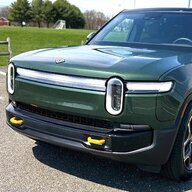

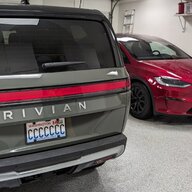

 Unsure if this is the first time we have interacted with each other or not, but I do break my Rivian a lot by doing dumb things and just sending it when I probably shouldnt lol and posting videos about it. I wish I had it when I took delivery of my Gen 1, and my Gen 2 delivery was better because I actually had my checklist with me.


