kyledmb
Well-Known Member
- First Name
- Kyle
- Joined
- Feb 16, 2023
- Threads
- 10
- Messages
- 319
- Reaction score
- 213
- Location
- Tacoma, WA
- Vehicles
- 2025 R1T Tri Max
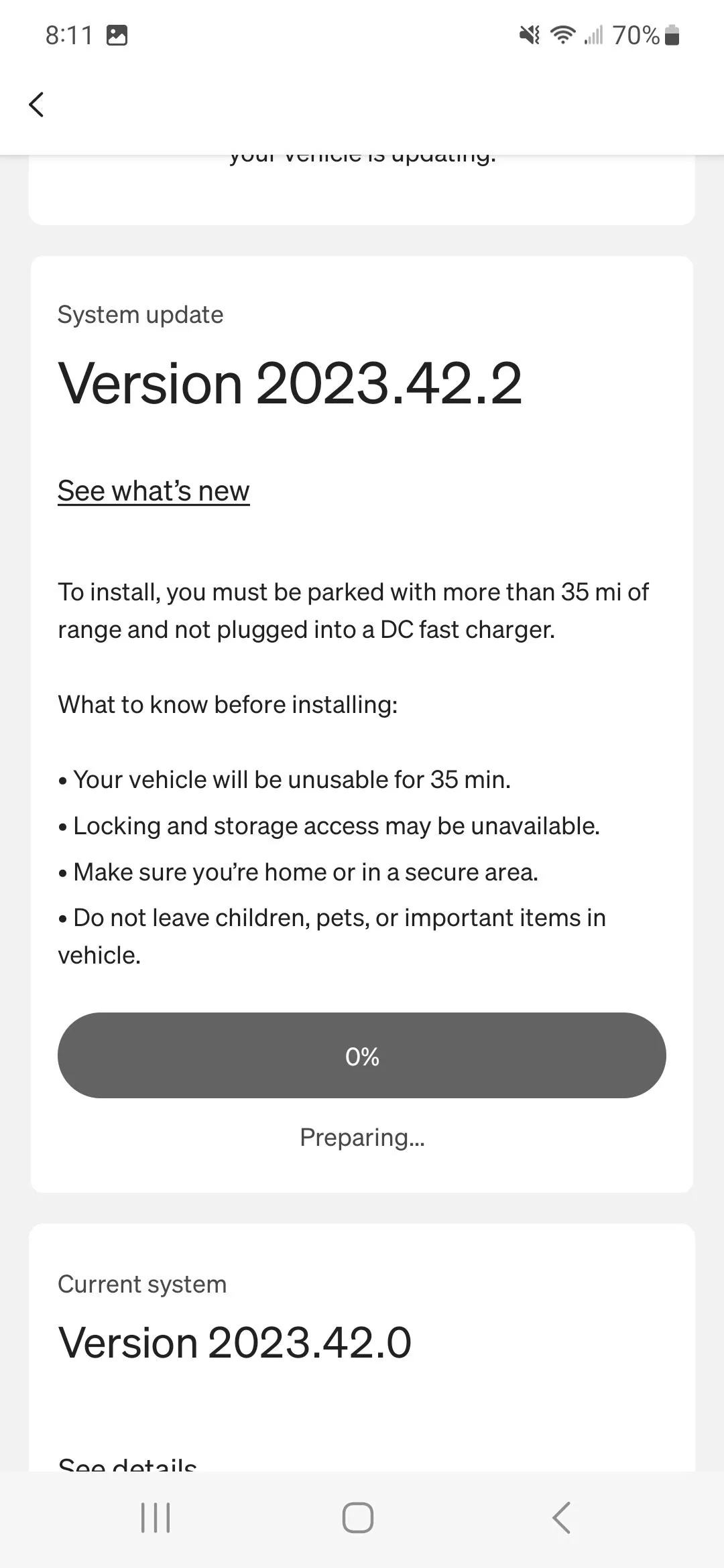
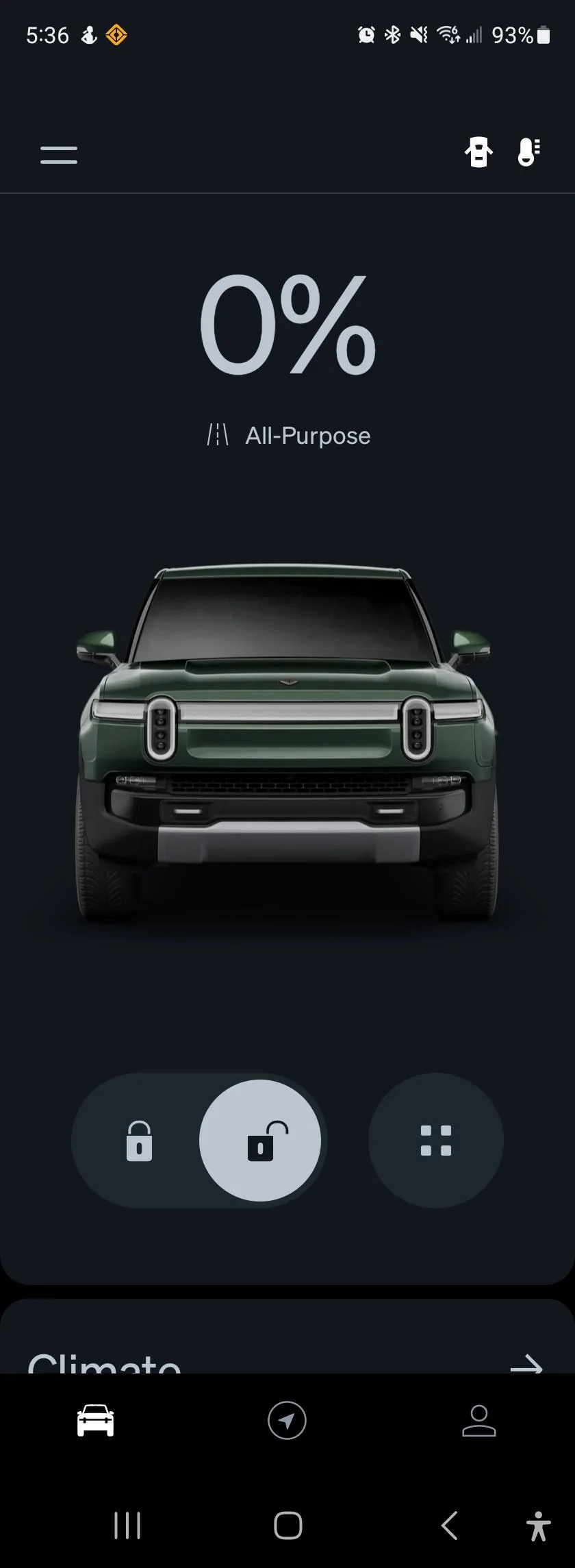
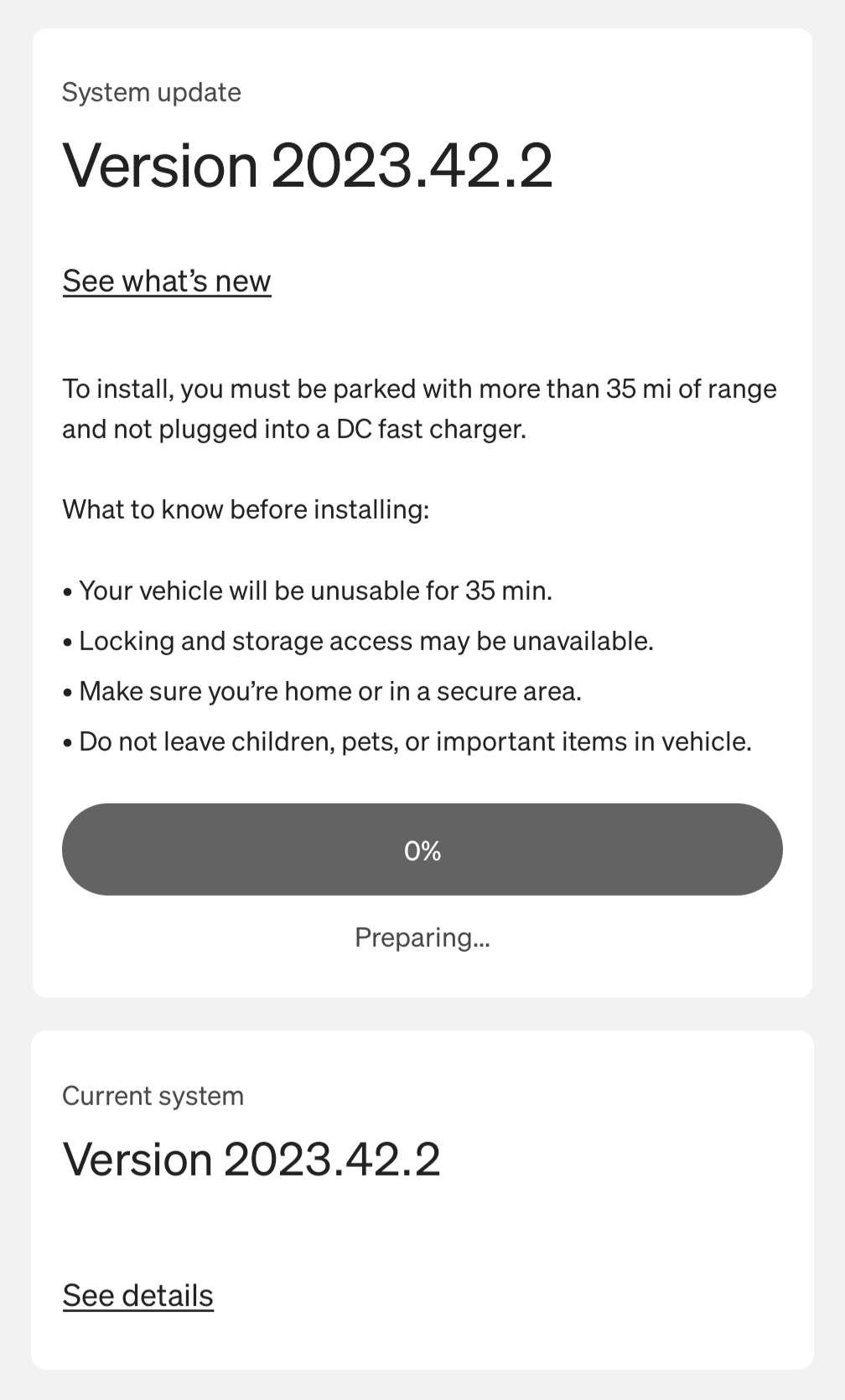
I was about 55mins at "0% Preparing..."
Now at 7%
Now at 7%
Sponsored

If PAAK is still working and you’re on an iPhone it’s likely not pairing because you still have that Bluetooth device setup on your phone. If you go to Bluetooth settings and do « Forget this device » for the Rivian items, you should then be able to re-pair.Installed the new update about an hour ago. All seems well EXCEPT my phone was deleted and will not connect to my truck (PAAK still works though). I only tried it twice to pair and gave up. I'll try again tomorrow, I'm sure it'll work fine.
I'm Android but if it won't pair tomorrow I'll try your suggestion, thanks!If PAAK is still working and you’re on an iPhone it’s likely not pairing because you still have that Bluetooth device setup on your phone. If you go to Bluetooth settings and do « Forget this device » for the Rivian items, you should then be able to re-pair.
Obviously, just make sure sure you have a fob or card as backup since you’ll temporarily lose PAAK ?
Not just close but force stop the appYeah I keep closing and opening the app but still nothing changes
Now complete and back in business after 35 min from the aboveOh! Update from my post above!
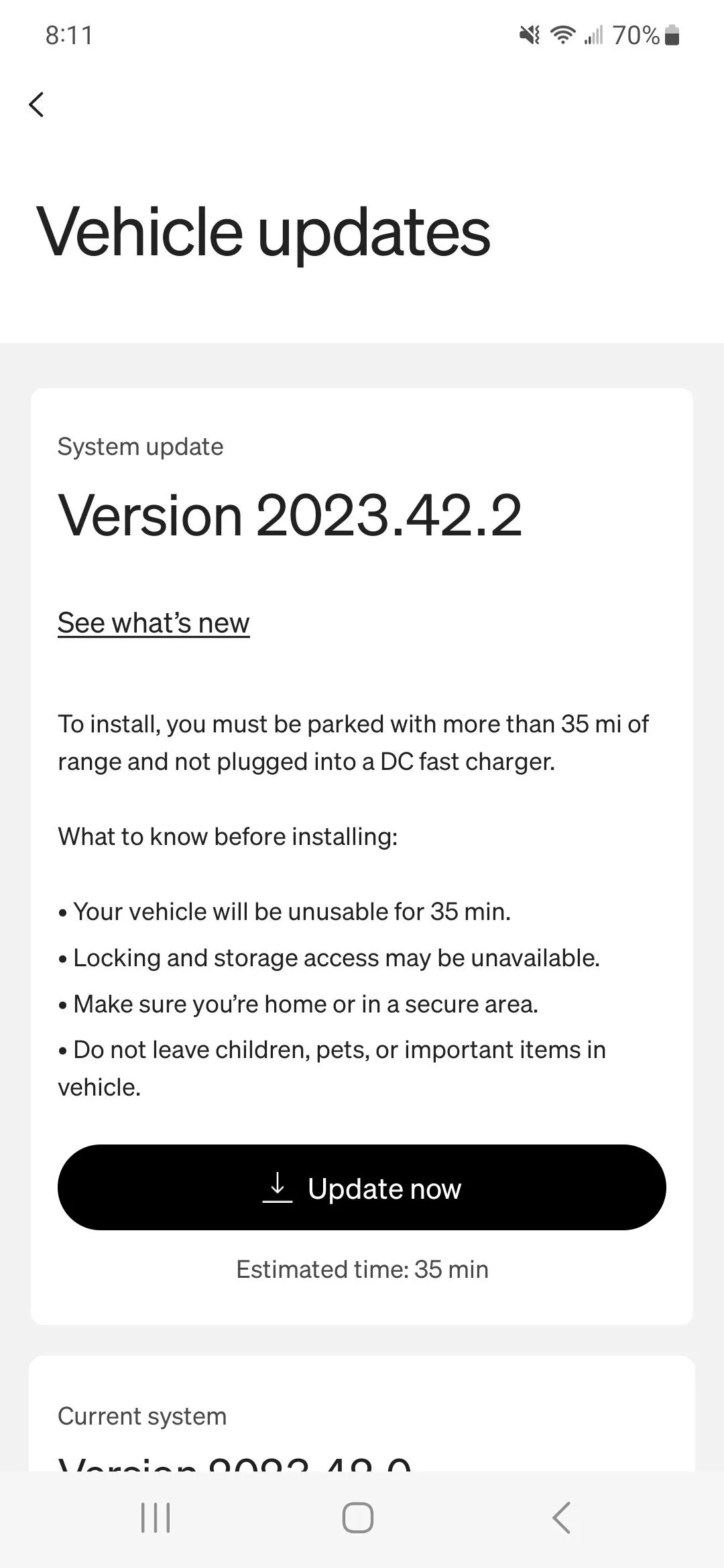
I closed the screen that says update with the buffering wheel and then scrolled.down to the bottom under the climate and service and went into updates. Then it showed the update with the "update now" button available even though I already clocked on the update button (but did it from the alert at the top of the app page near the hamburger menu).

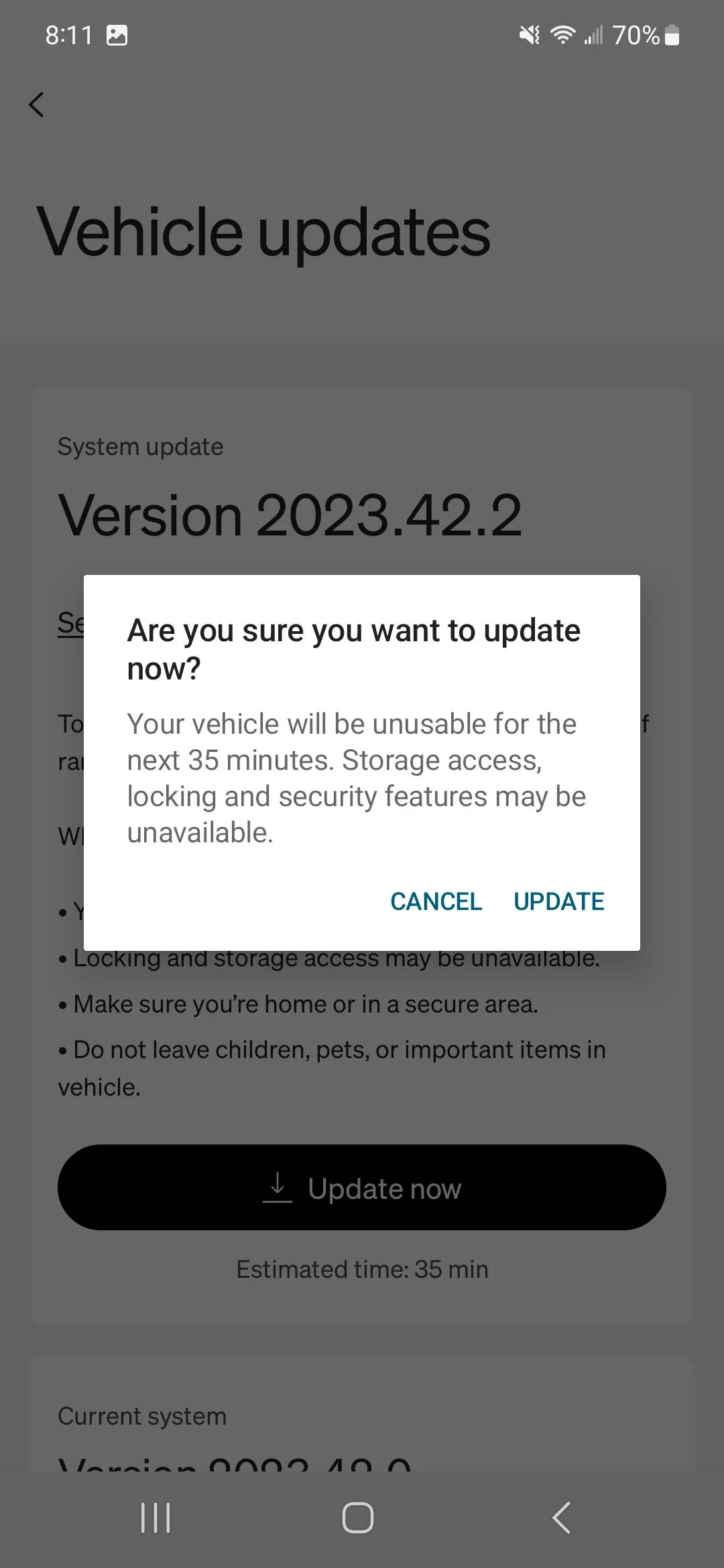
It then asked me to verifyi wanted to do the update and when I clicked yes it immediately showed the progress bar and 0%
I think the update needs to be initialized from the menu at the bottom, not the update icon at the top of the app
No such thing on an iPhone that I’m aware ofNot just close but force stop the app

That is awesome if it is true.Just went on a drive and it seems that speed limit signs recognition is back with is update.
There is, slide up from bottom right corner, the app switcher comes up, just go to the Rivian app and slide it up, that will close it.No such thing on an iPhone that I’m aware of
I think they are doing something different (read strange) on their deploys. I had one module fail because of bad hardware when I first got my R1S, the update in the truck was showing a failure but everything except that one module had the new features and the vehicle was showing it was running the latest version. I had to schedule a service appointment for the hardware failure and I did not get notified of the newer updates that came out until the vehicle was fixed and the install failure went away.If it works like I think it does, these updates are a VM that gets swapped out. It’s the entire android operating system plus whatever Rivian software is on there.
that is signed and checksummed as a whole bundle.
Apple does a similar thing with iOS and macOS, which is why their updates can take so long. They are not patching, they are replacing the whole OS each time.
(Apple does have a lower touch mechanism for critical security fixes)
I’m totally speculating about how this stuff works with Rivian.