Kevin@Pittsburgh
New Member
- First Name
- Kevin
- Joined
- Nov 3, 2024
- Threads
- 2
- Messages
- 4
- Reaction score
- 1
- Location
- Pittsburgh
- Vehicles
- 2023 Rivian R1S
- Occupation
- Driver
- Thread starter
- #1
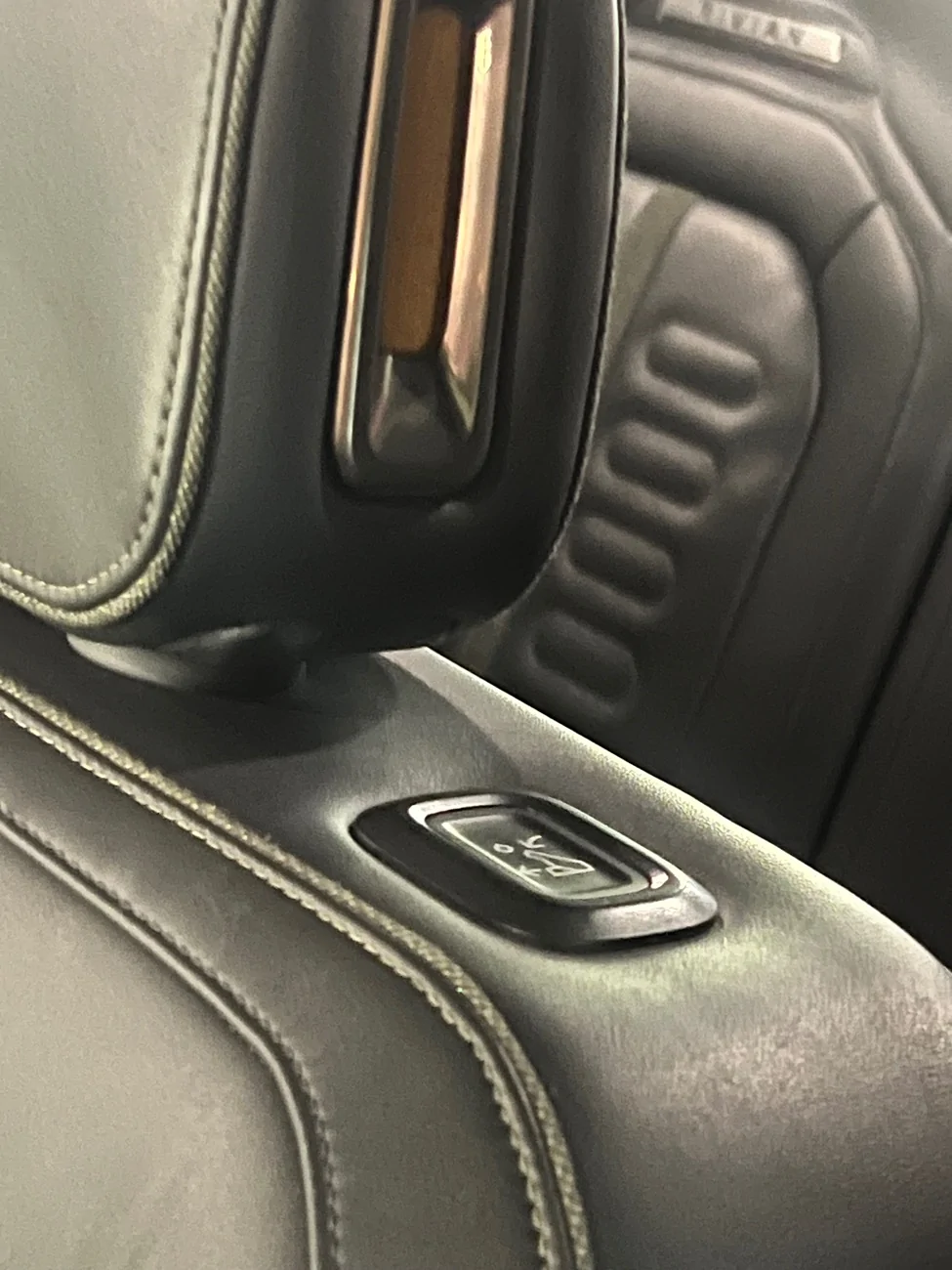
The top walk-in switch button on the top of the second row driver side seat is nonresponsive. Whenever it’s all the way up or all the way down, it doesn’t work. However, if I use the manual switch, on the lower part of the seat, in order to have the seat in a neutral position. I hear activity from the switch. So it is not dead. But it makes no sound whenever I tap the button (or hold the button down for 10 seconds).
I have tried doing a soft reboot and a hard reboot on the Rivian and that hasn’t corrected the problem.
I have also Used the lower arm and completely moved the chair back and forward numerous times. I’ve used the switch handle on the side to make it go up and fully down. I have also the switch on the back of the middle and lowered that up and lock that in the place several times.
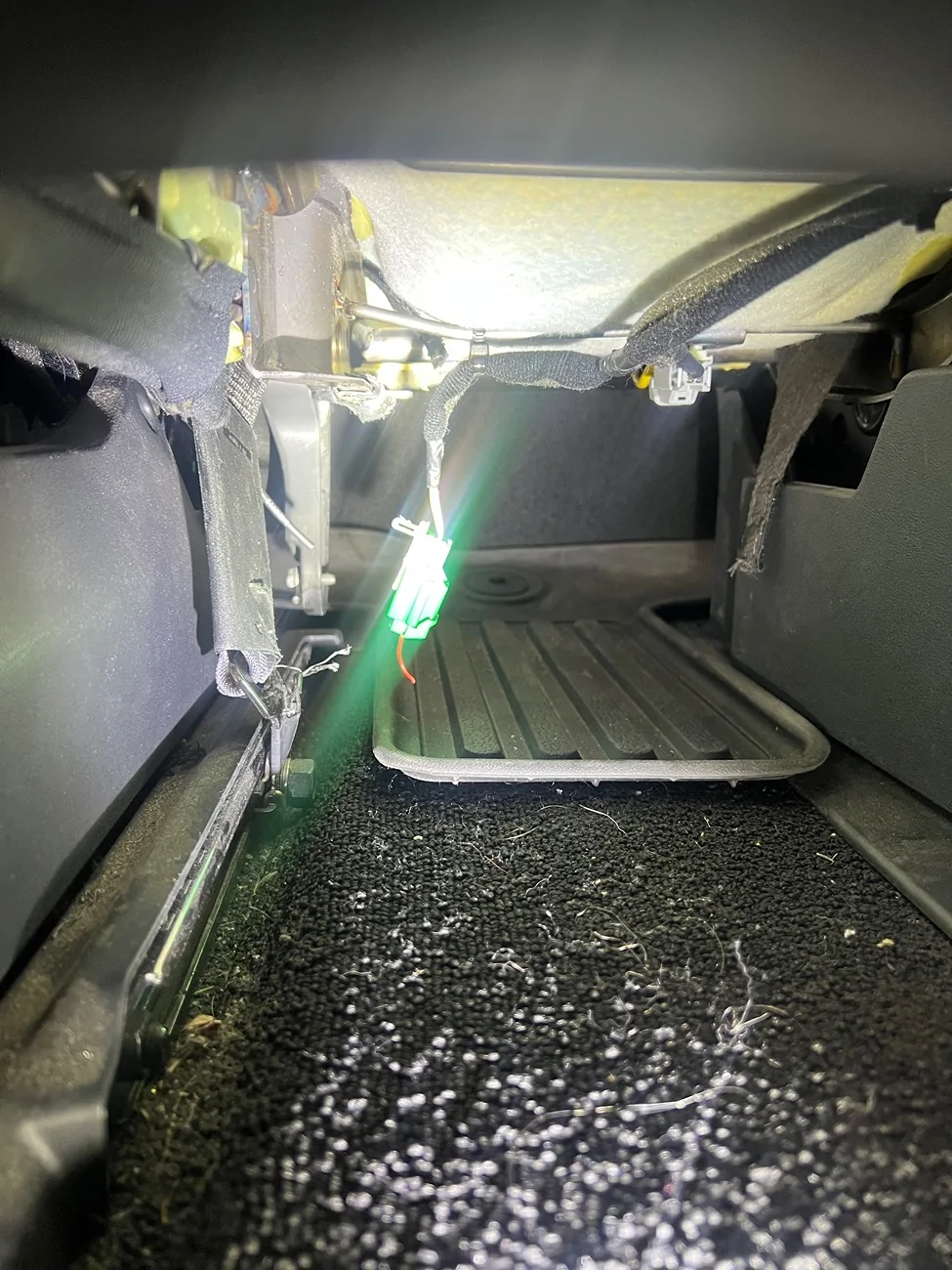
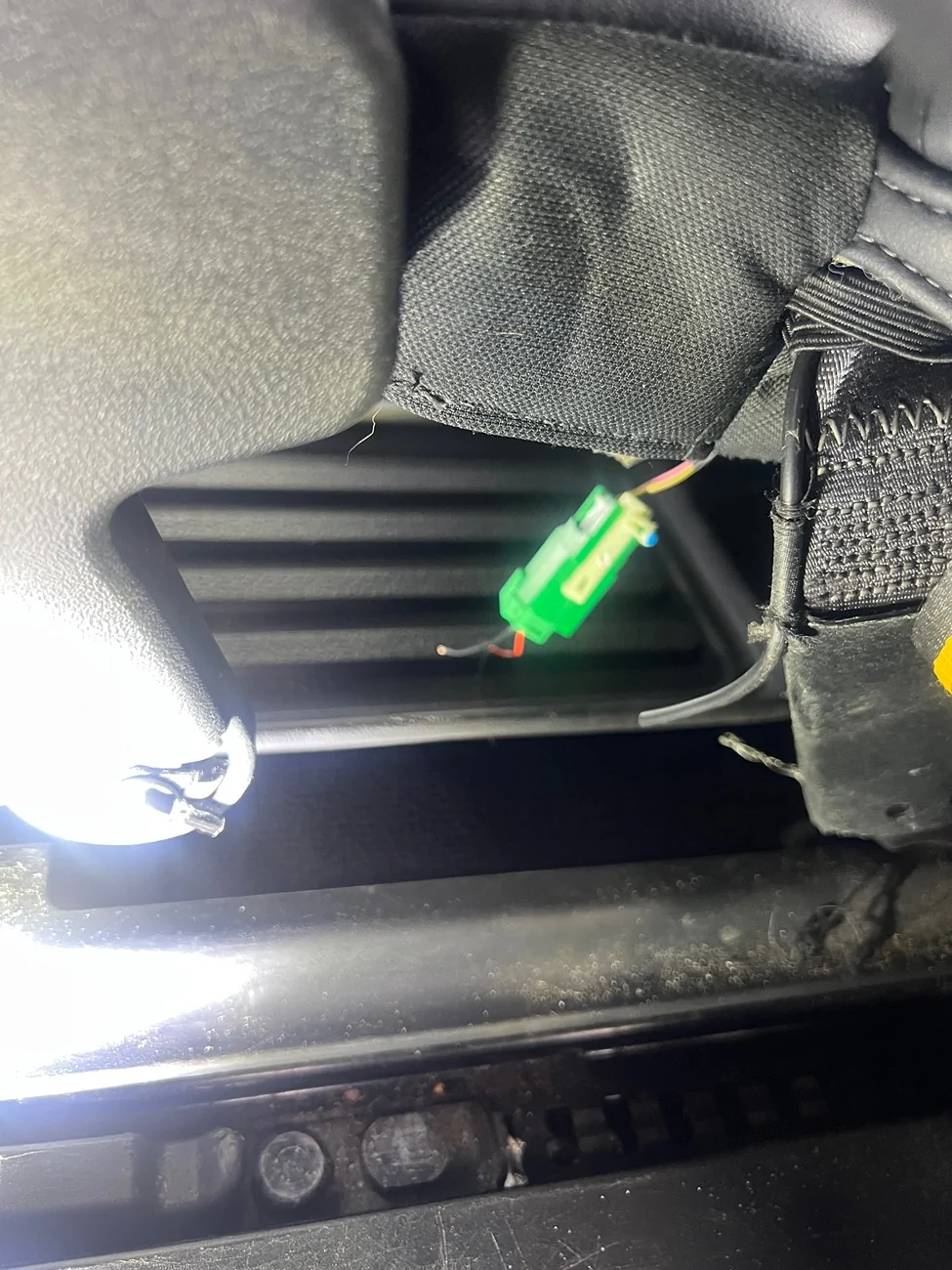
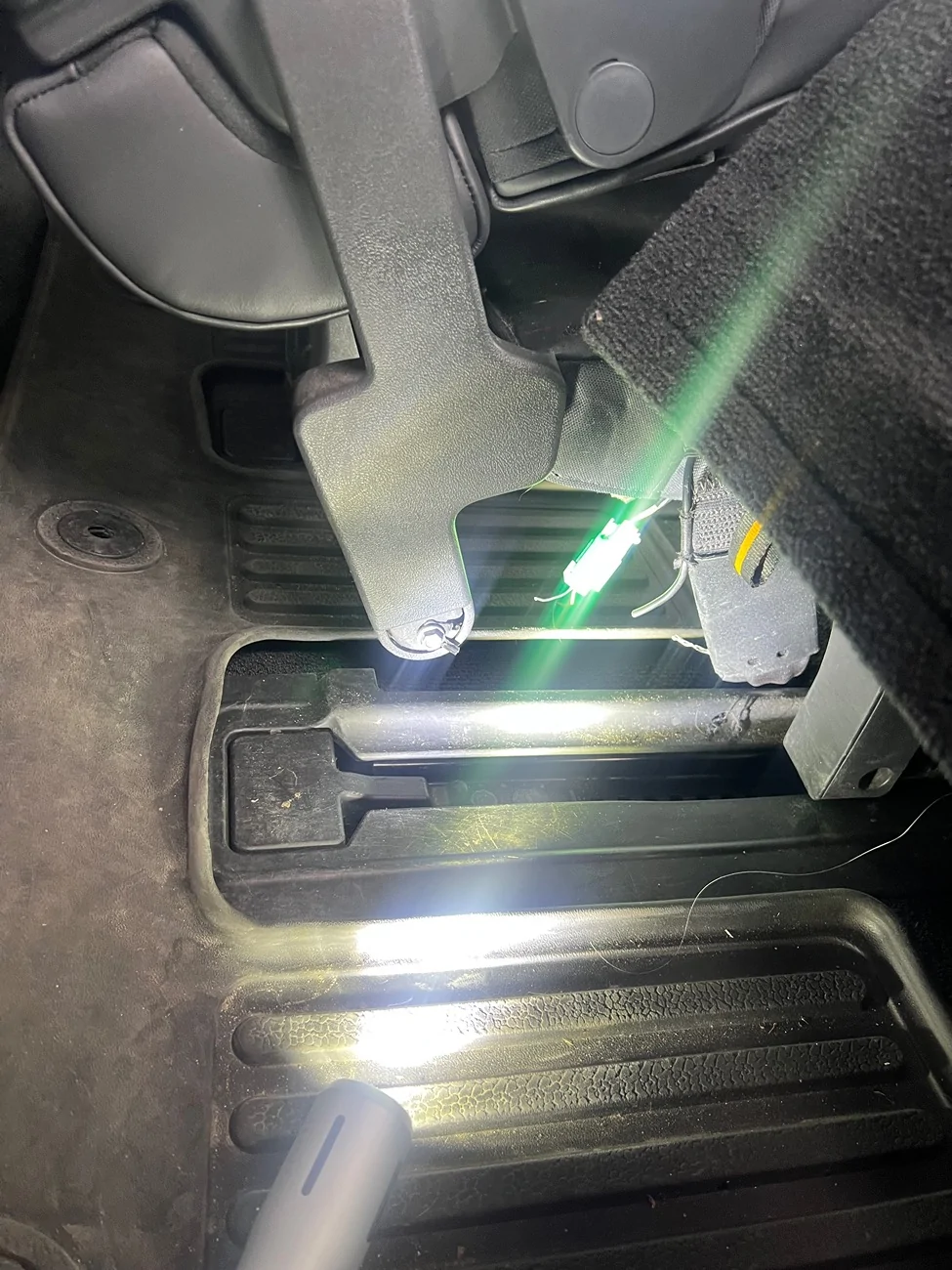
The problem remains after I’ve tried the normal solutions. I’ve looked underneath the seat and it seems to be all connected.
Has anyone encountered this problem and found a solution?

I have tried doing a soft reboot and a hard reboot on the Rivian and that hasn’t corrected the problem.
I have also Used the lower arm and completely moved the chair back and forward numerous times. I’ve used the switch handle on the side to make it go up and fully down. I have also the switch on the back of the middle and lowered that up and lock that in the place several times.
The problem remains after I’ve tried the normal solutions. I’ve looked underneath the seat and it seems to be all connected.
Has anyone encountered this problem and found a solution?
Sponsored