dfacto
Well-Known Member
- Joined
- Dec 21, 2023
- Threads
- 3
- Messages
- 61
- Reaction score
- 61
- Location
- SF Bay Area
- Vehicles
- R1S, Volvo XC60 T8 Recharge
- Occupation
- Research Scientist
- Thread starter
- #1
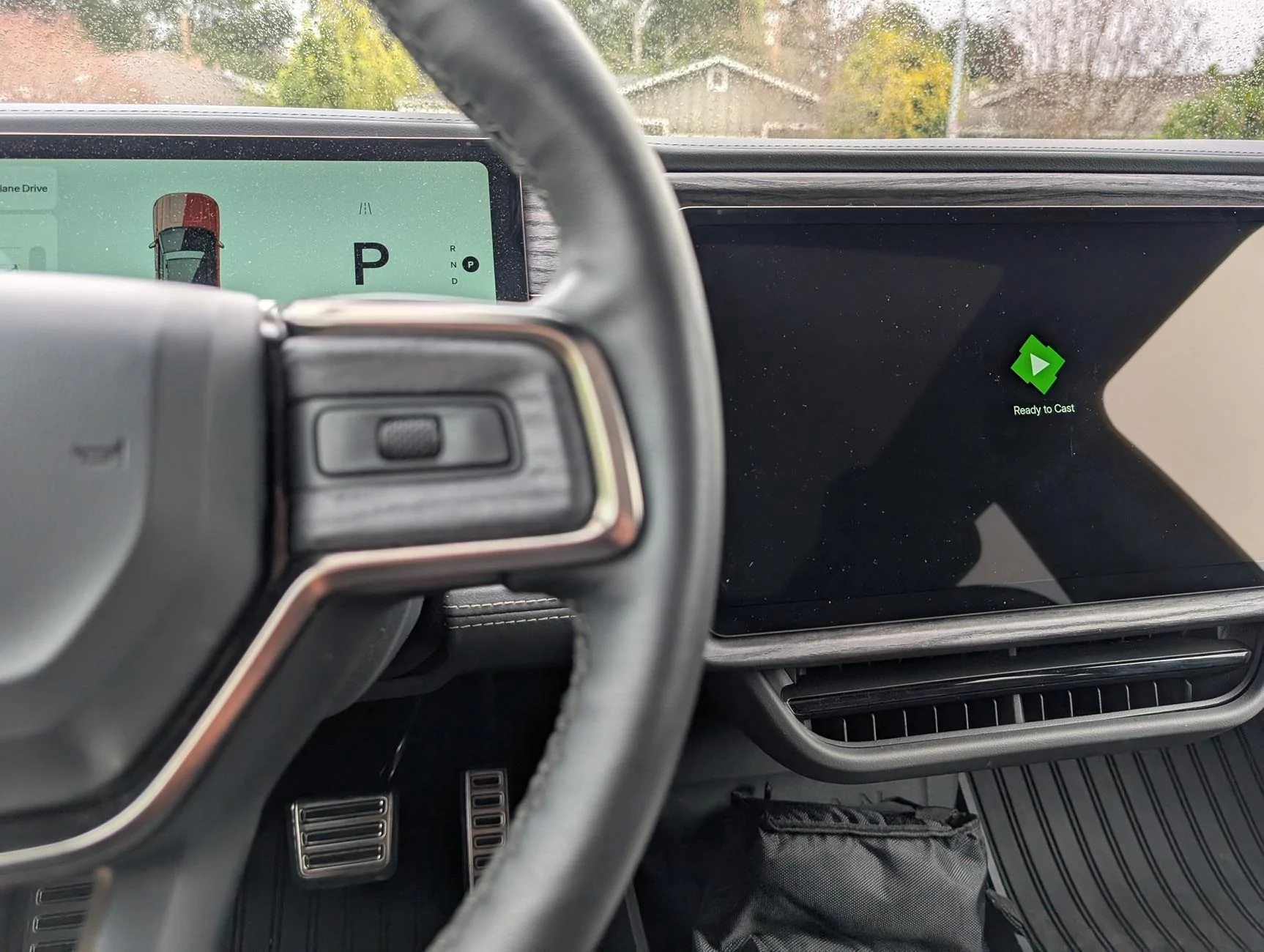
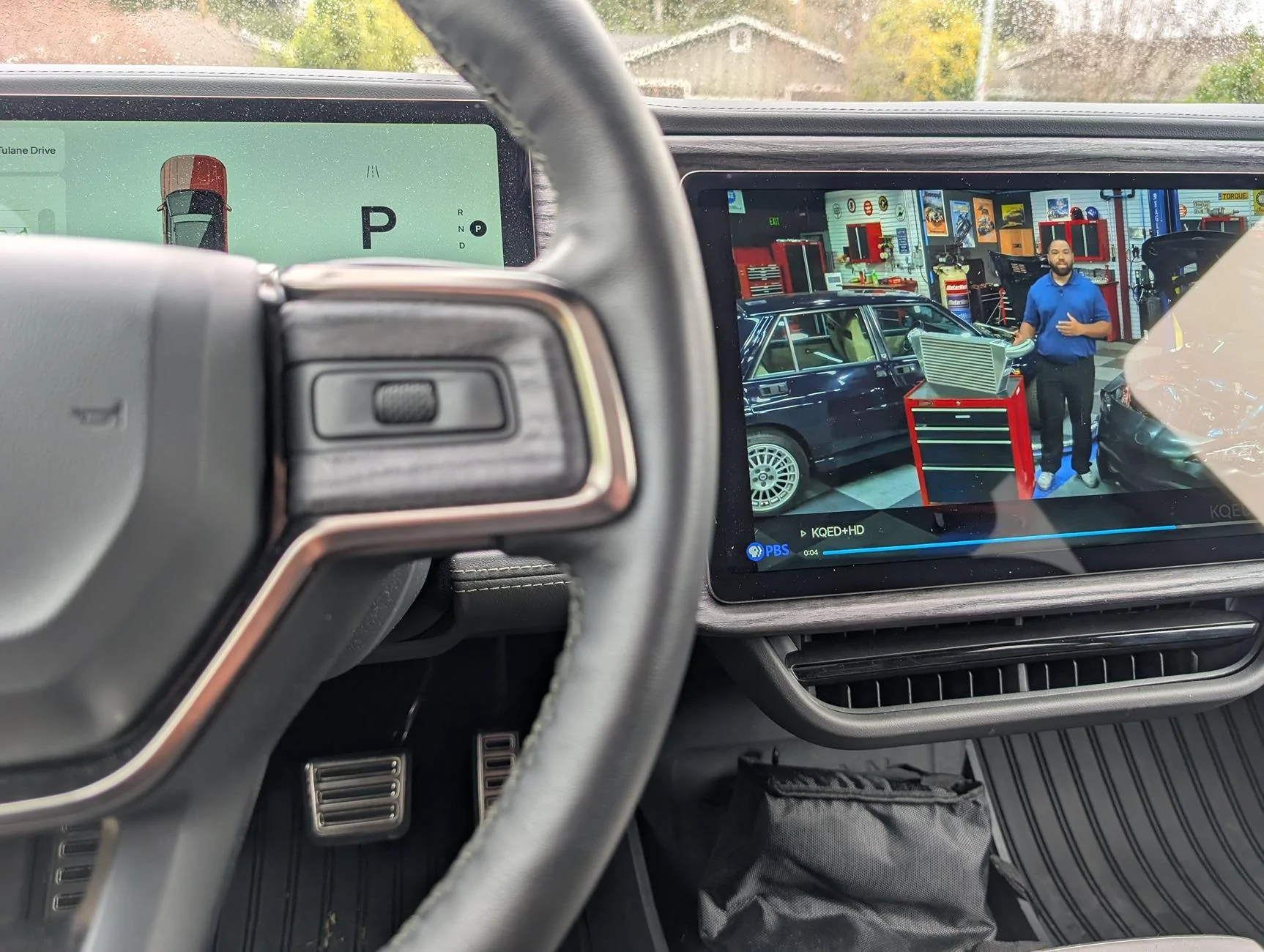
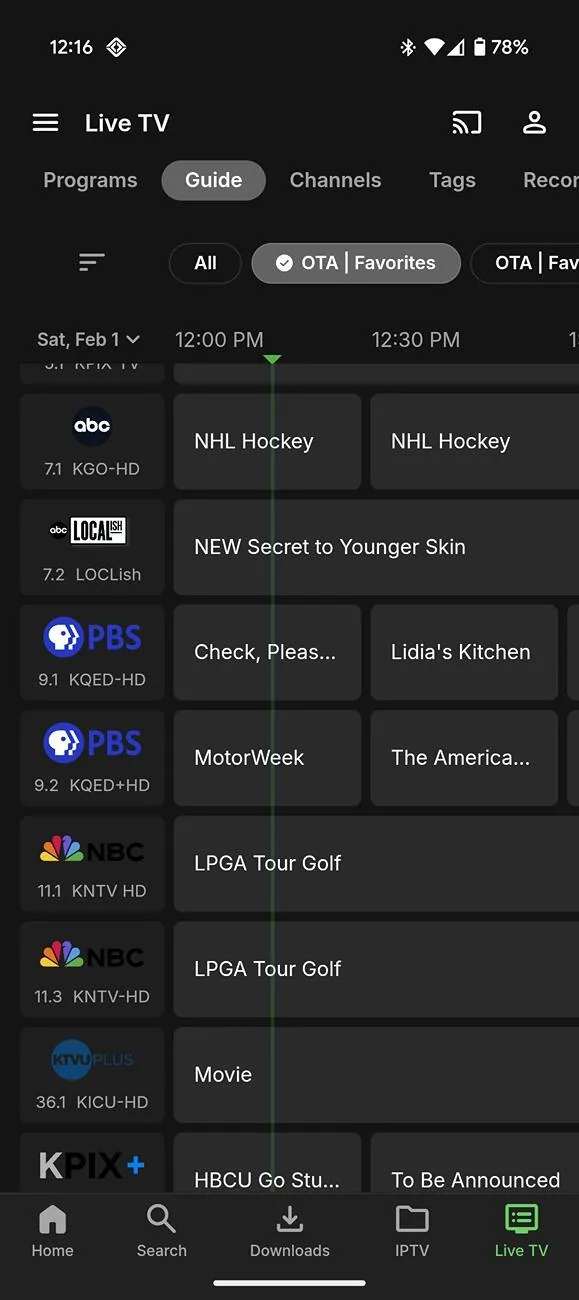
Hi all. After a lot of failed attempts I successfully found a way to cast my IPTV service to the Rivian and I wanted to share the essential trick here to help others. (Sorry, but I won't be posting a full how to.)
Ideally setup would have been as simple as installing an Emby server and plugging in the right m3u playlists. However what took a bit of tinkering is that I was only able to cast to the Rivian unless I setup the server using https SSL certs (which I did via "letsencrypt"). Once I made sure to have my mobile app connect using the secure connection (on Emby default port 8960) everything finally worked.
I can now watch my hdhomerun channels and other IPTV channels from anywhere I have Connect+ service and so can you!


Ideally setup would have been as simple as installing an Emby server and plugging in the right m3u playlists. However what took a bit of tinkering is that I was only able to cast to the Rivian unless I setup the server using https SSL certs (which I did via "letsencrypt"). Once I made sure to have my mobile app connect using the secure connection (on Emby default port 8960) everything finally worked.
I can now watch my hdhomerun channels and other IPTV channels from anywhere I have Connect+ service and so can you!
Sponsored
Last edited: