alwaysbaking
Member
- Thread starter
- #1
Last week I spent a little over three days driving from Oakland, CA to St. Paul, MN in my R1T. To be honest, taking this type of trip in an EV was not something I was really ever interested in doing mostly due to my apprehension of charging infrastructure, but I needed to be in Minnesota for an extended period of time and renting a vehicle was out of the question. Although after this trip, I'm definitely ready and want to take on more long range trips in my truck.
Route
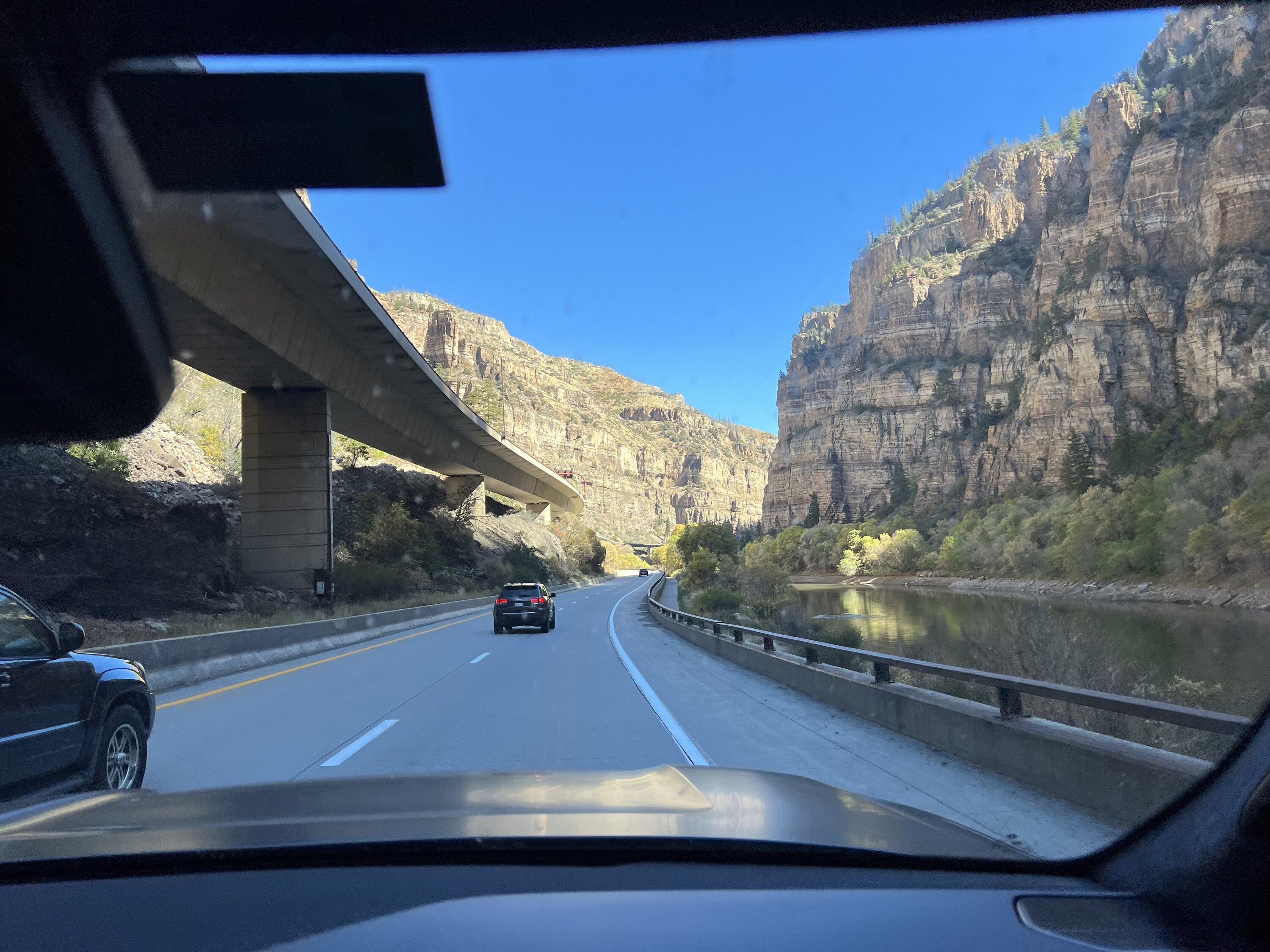
Based on some insight from other Rivian owners I opted to go through Colorado, Nebraska, and Iowa instead of Wyoming and South Dakota to take advantage of the more robust charging infrastructure. This added about 150 miles to the route, but the fact there are only two fast chargers along 80 in Wyoming felt like a risk I didn't have the time to take. I used ABRP to look at our route in advance and book hotels near fast chargers in advance so that I could plug in at night while we relaxed and could easily move the truck when it was done. While driving we mostly relied on the Rivian navigation to plan our stops while cross-checking with PlugShare and Google Maps to make sure the chargers were working and that we could do something while charging like go for a walk or grab a meal.
We started Wednesday evening to get the first ~250 miles and Bay Area traffic out of the way. We then split up the three full days pretty evenly at 662 miles, 601 miles, and 664 miles.
Trip Numbers
Miles: 2,179
Diving Time: 32 hours 17 minutes
Charging Time: 8 hours 51 minutes during drive +3 hours end of day charging at/near our hotels -- this time includes two stops where we stayed longer than we needed to because we were enjoying the restaurant and one snafu where we used a 6kw charger to get some buffer while we figured out other charging options. More on that below.
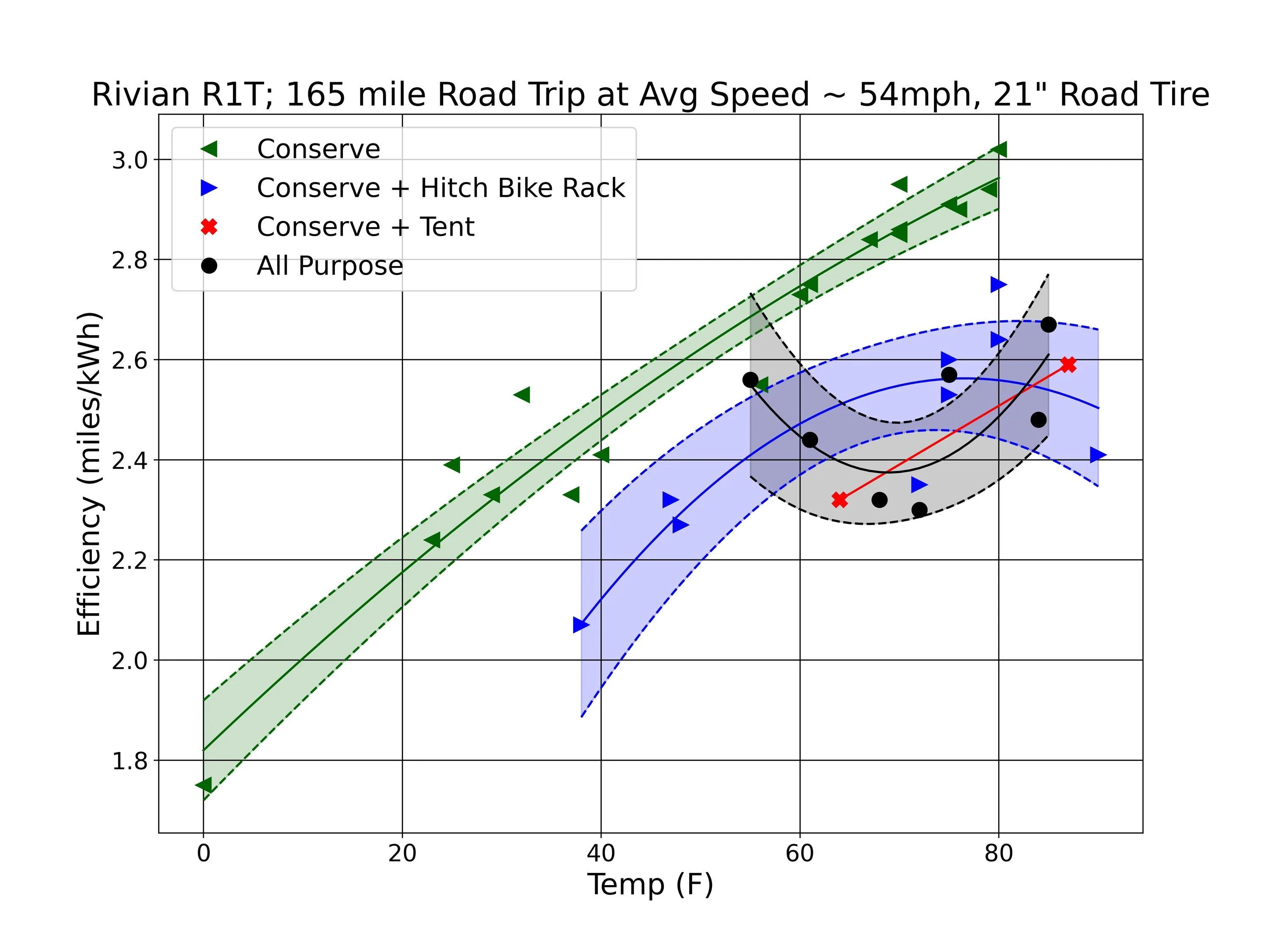
Efficiency: We averaged about 2mi/kWh
Charging
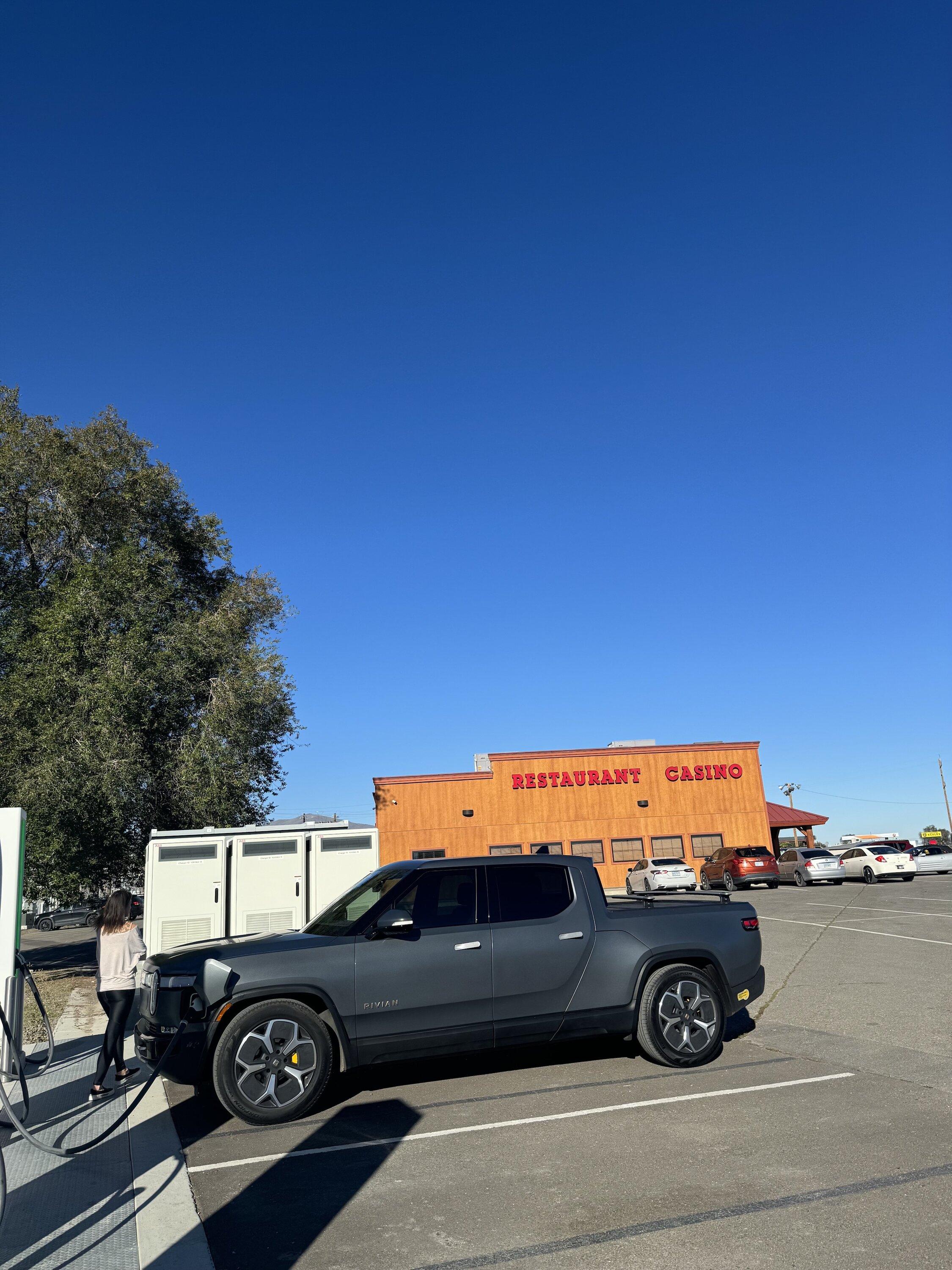
For each of the three full days we aimed to have 3 charging stops at fairly even 2-3 hour intervals and on the two days we were able to stick to that plan, the stops coincided nicely with needing to use the restroom, switch drivers, or eat. Even with most of the chargers delivering about 50% of their rated speed, the predicted charging times were generally accurate. On a couple of occasions the restaurants we were at took longer to serve us than it took to charge.
Generally, Rivian was much more conservative in range upon arrival as well, even driving ~80mph for a good chunk of the trip, so certainly that helped in our favor. That being said, we almost always had a backup plan for our charging stop in case we ran into an issue. And the one time we didn’t… of course that’s when we had a problem. But I’m grateful we really only had the one hiccup.
While going from the Grand Junction RAN through the Rockies Rivian navigation re-routed us to Frisco Electrify America station. We usually looked around the stations on Google Maps for things to do/see/eat while we stopped and saw a cool brewery (Outer Range Brewing - highly recommend) with food and a nice view walking distance from the chargers, so we accepted the change. Once we arrived we found that 2/4 stations were down and actively being worked on (which is a plus I suppose) and the remaining 2 stations were full with a line 4 cars deep. Unfortunately, the EA app had made it seem like there was an open station, but watching it later, it seemed to flip back and forth between full and available with every app refresh. We would be cutting it pretty close to the next fast chargers which also seemed to have 2/4 stations out of service and might be pretty backed up as well. There were luckily quite a few slow chargers around so we decided to stay an hour and a half, have a more leisurely lunch and get enough miles that we could get to the next two fast chargers. We were also lucky that this was our shortest day so ultimately it really didn’t have that much impact.
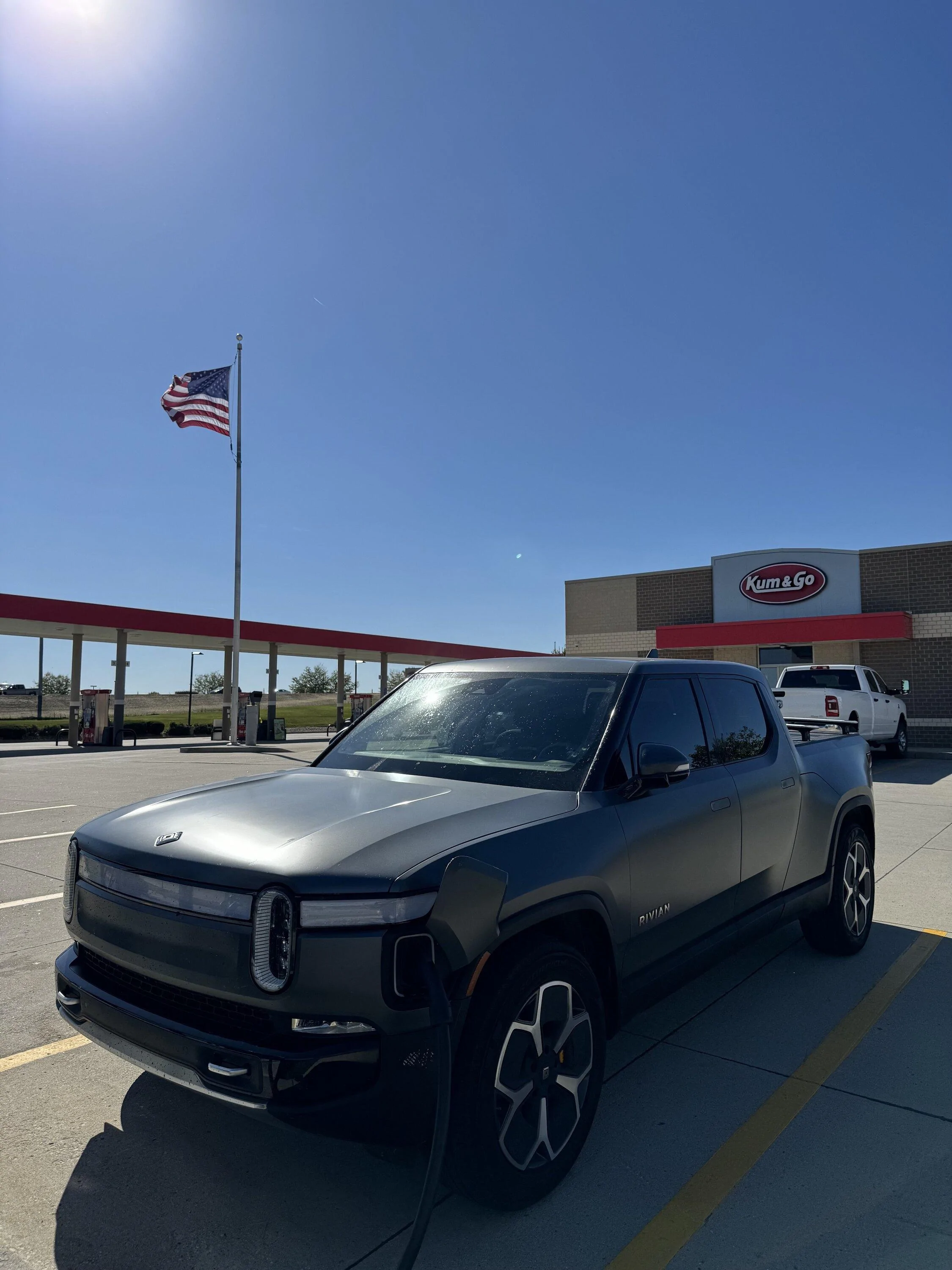
As mentioned above, most fast chargers we used delivered about half of the speed they were rated for and then really dropped off at about 70% SOC. But it did seem like that was accounted for in the charge times for ABRP and Rivian Nav. We used mostly Electrify America stations, but also used RAN, EVGo, Shell Recharge, ChargePoint, and the Levitron 6.6kw charger ?at the Whole Foods in Frisco, CO. The Electrify America stations could be a bit finicky with chargers suddenly stopping or throwing errors, but usually swapping for the other cable or starting the charge from the app instead of the station would fix the issue. I wish there were more EVGo stations because we were able to set up Autocharge and the chargers we did use delivered the most power the fastest.
The other thing I'll say, is having two people to do the drive (outside of sharing the actual driving) was very helpful so someone could keep an eye on charger status/availability 5-10 minutes out from stops in case we needed to change plans. I was originally going to do the drive solo and would have been more at the whim of whatever was happening at the charger when I arrived.
Driver+
We used Driver+ for a large portion of the trip, which made the whole thing way more pleasant. I do really wish that it could manage lane changes, because at time disengaging/reengaging to pass was really annoying. However, I’m glad I had anything at all and we didn’t really experience any issues with Driver+ other than once only a couple hours from home on 80 in the Sierras where the lines disappeared for an overpass and the truck basically veered us towards the next line it saw which happened to be an exit ramp so it pulled me HARD from the left lane to the right lane before I could take over. Luckily there was no one else around, so no harm no foul. It was a good early reminder to be vigilant when using Driver+.
Overall I’m really glad I did this trip, and with a little pre-planning it went smoothly. Maybe I was just lucky, but I was relieved at how easily things went. I’ll be driving the reverse route in December or January, but taking some more time to enjoy the sights along the way, so hoping that experience is equivalent. Although I do wonder what the weather impact will be since I was lucky enough to have 50-60 degrees for the majority of the drive which is about as ideal temp wise as you can get.


Route
Based on some insight from other Rivian owners I opted to go through Colorado, Nebraska, and Iowa instead of Wyoming and South Dakota to take advantage of the more robust charging infrastructure. This added about 150 miles to the route, but the fact there are only two fast chargers along 80 in Wyoming felt like a risk I didn't have the time to take. I used ABRP to look at our route in advance and book hotels near fast chargers in advance so that I could plug in at night while we relaxed and could easily move the truck when it was done. While driving we mostly relied on the Rivian navigation to plan our stops while cross-checking with PlugShare and Google Maps to make sure the chargers were working and that we could do something while charging like go for a walk or grab a meal.
We started Wednesday evening to get the first ~250 miles and Bay Area traffic out of the way. We then split up the three full days pretty evenly at 662 miles, 601 miles, and 664 miles.
Trip Numbers
Miles: 2,179
Diving Time: 32 hours 17 minutes
Charging Time: 8 hours 51 minutes during drive +3 hours end of day charging at/near our hotels -- this time includes two stops where we stayed longer than we needed to because we were enjoying the restaurant and one snafu where we used a 6kw charger to get some buffer while we figured out other charging options. More on that below.
Efficiency: We averaged about 2mi/kWh
Charging
For each of the three full days we aimed to have 3 charging stops at fairly even 2-3 hour intervals and on the two days we were able to stick to that plan, the stops coincided nicely with needing to use the restroom, switch drivers, or eat. Even with most of the chargers delivering about 50% of their rated speed, the predicted charging times were generally accurate. On a couple of occasions the restaurants we were at took longer to serve us than it took to charge.
Generally, Rivian was much more conservative in range upon arrival as well, even driving ~80mph for a good chunk of the trip, so certainly that helped in our favor. That being said, we almost always had a backup plan for our charging stop in case we ran into an issue. And the one time we didn’t… of course that’s when we had a problem. But I’m grateful we really only had the one hiccup.
While going from the Grand Junction RAN through the Rockies Rivian navigation re-routed us to Frisco Electrify America station. We usually looked around the stations on Google Maps for things to do/see/eat while we stopped and saw a cool brewery (Outer Range Brewing - highly recommend) with food and a nice view walking distance from the chargers, so we accepted the change. Once we arrived we found that 2/4 stations were down and actively being worked on (which is a plus I suppose) and the remaining 2 stations were full with a line 4 cars deep. Unfortunately, the EA app had made it seem like there was an open station, but watching it later, it seemed to flip back and forth between full and available with every app refresh. We would be cutting it pretty close to the next fast chargers which also seemed to have 2/4 stations out of service and might be pretty backed up as well. There were luckily quite a few slow chargers around so we decided to stay an hour and a half, have a more leisurely lunch and get enough miles that we could get to the next two fast chargers. We were also lucky that this was our shortest day so ultimately it really didn’t have that much impact.
As mentioned above, most fast chargers we used delivered about half of the speed they were rated for and then really dropped off at about 70% SOC. But it did seem like that was accounted for in the charge times for ABRP and Rivian Nav. We used mostly Electrify America stations, but also used RAN, EVGo, Shell Recharge, ChargePoint, and the Levitron 6.6kw charger ?at the Whole Foods in Frisco, CO. The Electrify America stations could be a bit finicky with chargers suddenly stopping or throwing errors, but usually swapping for the other cable or starting the charge from the app instead of the station would fix the issue. I wish there were more EVGo stations because we were able to set up Autocharge and the chargers we did use delivered the most power the fastest.
The other thing I'll say, is having two people to do the drive (outside of sharing the actual driving) was very helpful so someone could keep an eye on charger status/availability 5-10 minutes out from stops in case we needed to change plans. I was originally going to do the drive solo and would have been more at the whim of whatever was happening at the charger when I arrived.
Driver+
We used Driver+ for a large portion of the trip, which made the whole thing way more pleasant. I do really wish that it could manage lane changes, because at time disengaging/reengaging to pass was really annoying. However, I’m glad I had anything at all and we didn’t really experience any issues with Driver+ other than once only a couple hours from home on 80 in the Sierras where the lines disappeared for an overpass and the truck basically veered us towards the next line it saw which happened to be an exit ramp so it pulled me HARD from the left lane to the right lane before I could take over. Luckily there was no one else around, so no harm no foul. It was a good early reminder to be vigilant when using Driver+.
Overall I’m really glad I did this trip, and with a little pre-planning it went smoothly. Maybe I was just lucky, but I was relieved at how easily things went. I’ll be driving the reverse route in December or January, but taking some more time to enjoy the sights along the way, so hoping that experience is equivalent. Although I do wonder what the weather impact will be since I was lucky enough to have 50-60 degrees for the majority of the drive which is about as ideal temp wise as you can get.
Sponsored