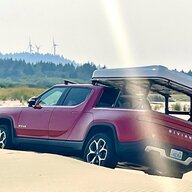
Dirty_B
Well-Known Member
- Thread starter
- #1
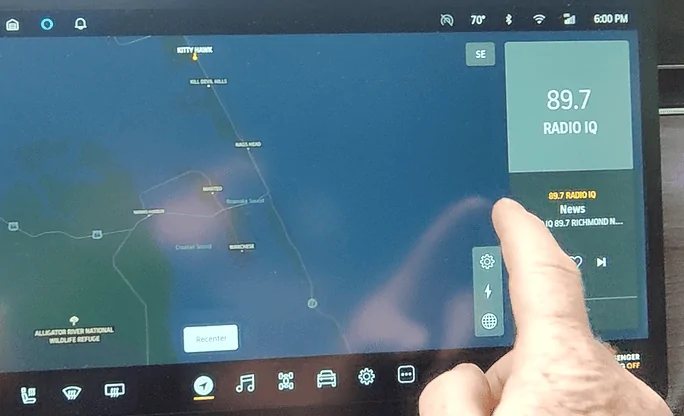
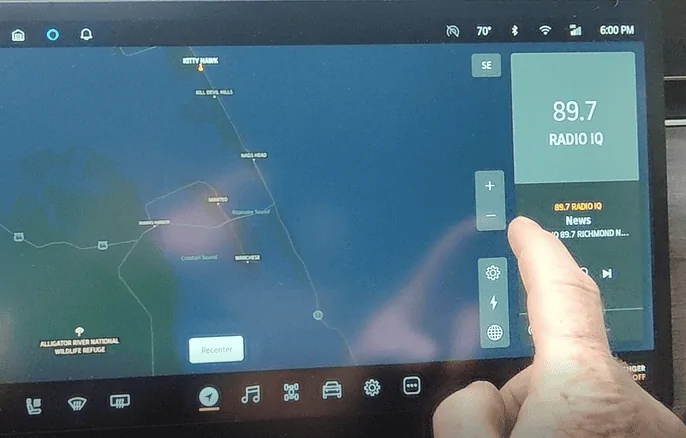
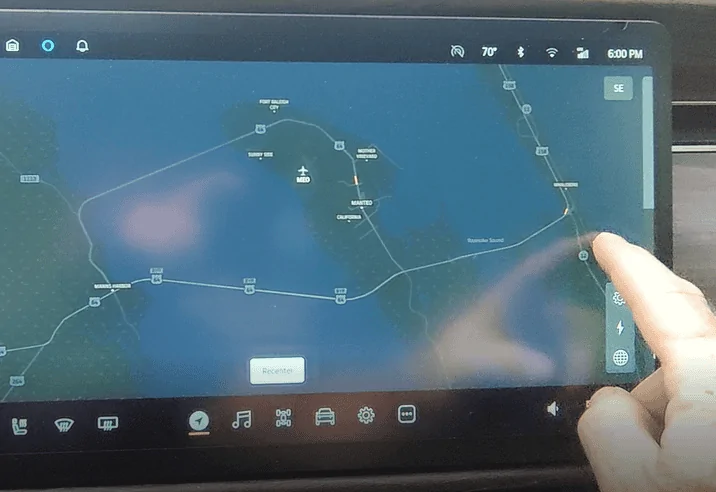
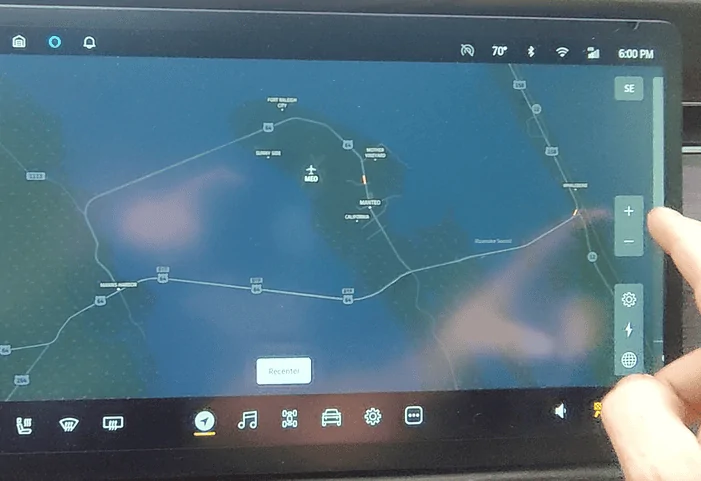
So I thought this was widely known, but co-worker hadn't seen so here goes: You can use gestures on the Nav display to pinch in or spread out...but that for me has always caused Nav to stop centering/focusing on the vehicle. Then I end up driving off the Nav display. So there is a zoom-in/zoom-out button on the Nav display but it's hidden until you touch the spot just above the 3 POI icons - see photos for location with Audio pod active and hidden.
For me I've been able to zoom-out to see traffic further ahead by going out 3 or so clicks before it loses centering/focus. But zoom-in goes all the way. I wish there was a scale associated and you could "set-it" and forget it, but I guess Rivian knows better and wants us always "in".
If you knew about this, or it's been discussed before sorry for wasting your time. If you didn't know, hope it helps with traffic and findings things up ahead. Enjoy.


For me I've been able to zoom-out to see traffic further ahead by going out 3 or so clicks before it loses centering/focus. But zoom-in goes all the way. I wish there was a scale associated and you could "set-it" and forget it, but I guess Rivian knows better and wants us always "in".
If you knew about this, or it's been discussed before sorry for wasting your time. If you didn't know, hope it helps with traffic and findings things up ahead. Enjoy.
Sponsored