Jiji
Well-Known Member
- First Name
- Rick
- Joined
- Jun 21, 2023
- Threads
- 17
- Messages
- 296
- Reaction score
- 430
- Location
- Finger Lakes, NY
- Website
- github.com
- Vehicles
- Rivian Blue R1S
- Thread starter
- #1
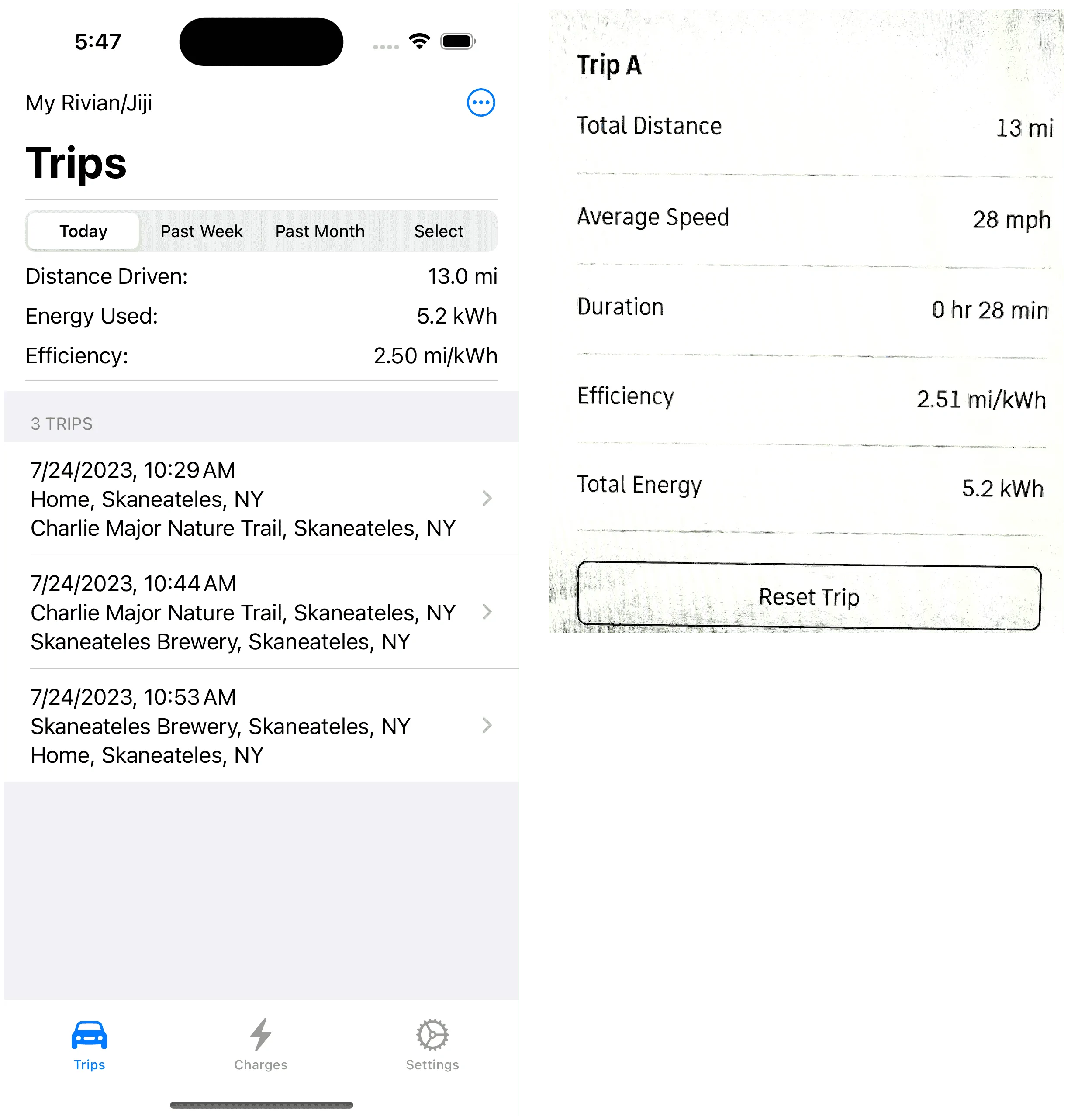
Time to try out the iOS 17 and Xcode 15 betas and coming soon to your iPhone is a trip/charge logger à la TeslaFi (for those that might have owned a Tesla). Just my first pass at a fun project so a lot more work is needed but as of today I can record trips and charges and view them individually or in aggregate (such as monthly energy use or efficiency).
When you fire up My Rivian, you land on the Trips tab with a list of the trips made in the selected period:

With less than one day of trip history the Past Week and Past Month aren't any different but that will change starting tomorrow. Selecting the 10:44 AM trip you can view it in detail:

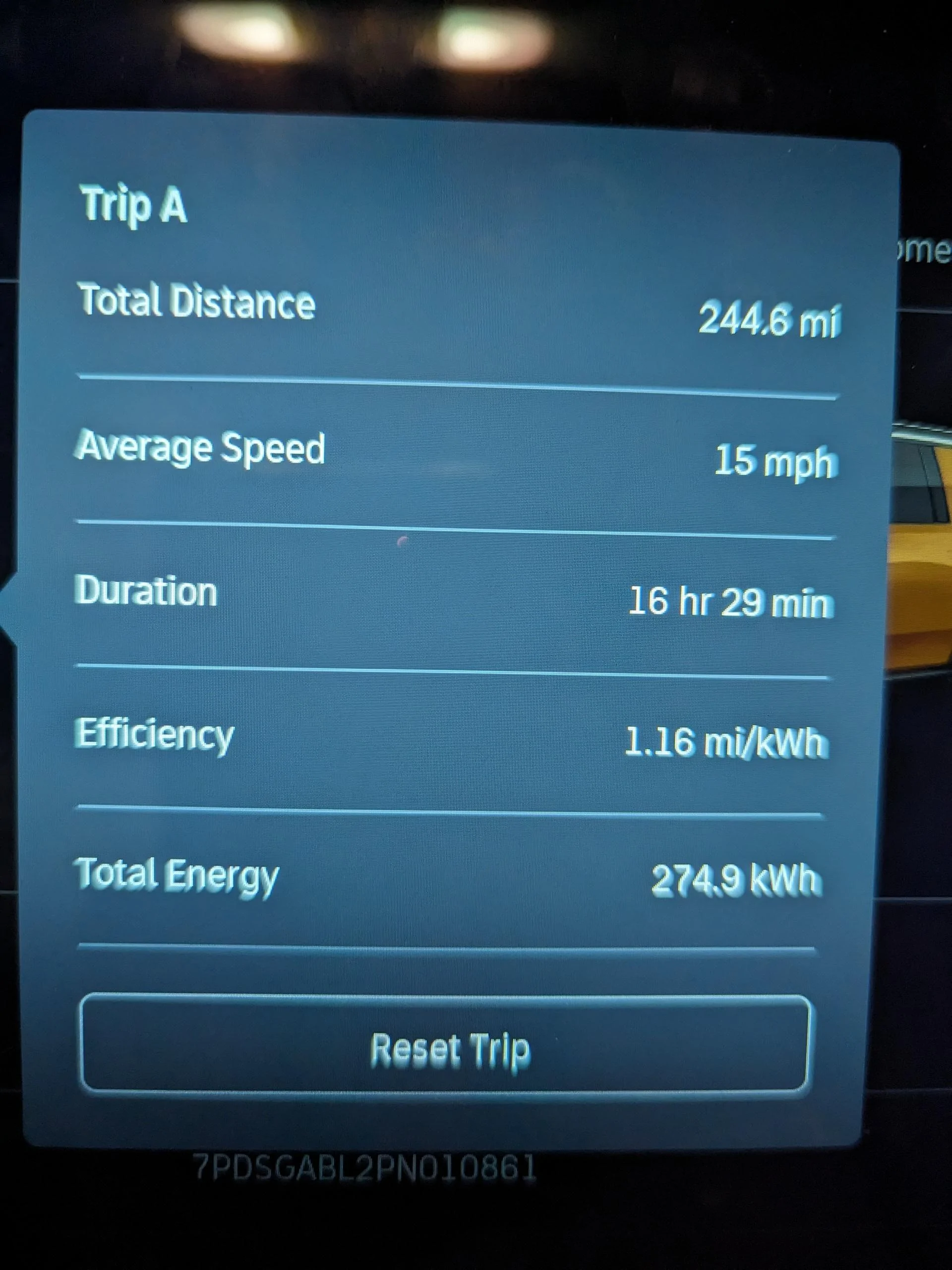
Right now I am using the Rivian GPS which does not include elevation data so the elevation profile will have to wait for a future update using the phone GPS (and speed as a bonus). There is also no Rivian energy data but they do provide the SoC in tenths of a percent so it is a proxy for the energy used (and so far in the limited testing is accurate with the trip odometer).
I don't wish to make a big post but the Charges tab is just like Trips but having charging related data and graphs. And the Settings tab lets you save and store your settings and data stores as well as select your preferring units, including kWh/100km for the Canadian R1 owners.
Finally the requirements:
When you fire up My Rivian, you land on the Trips tab with a list of the trips made in the selected period:
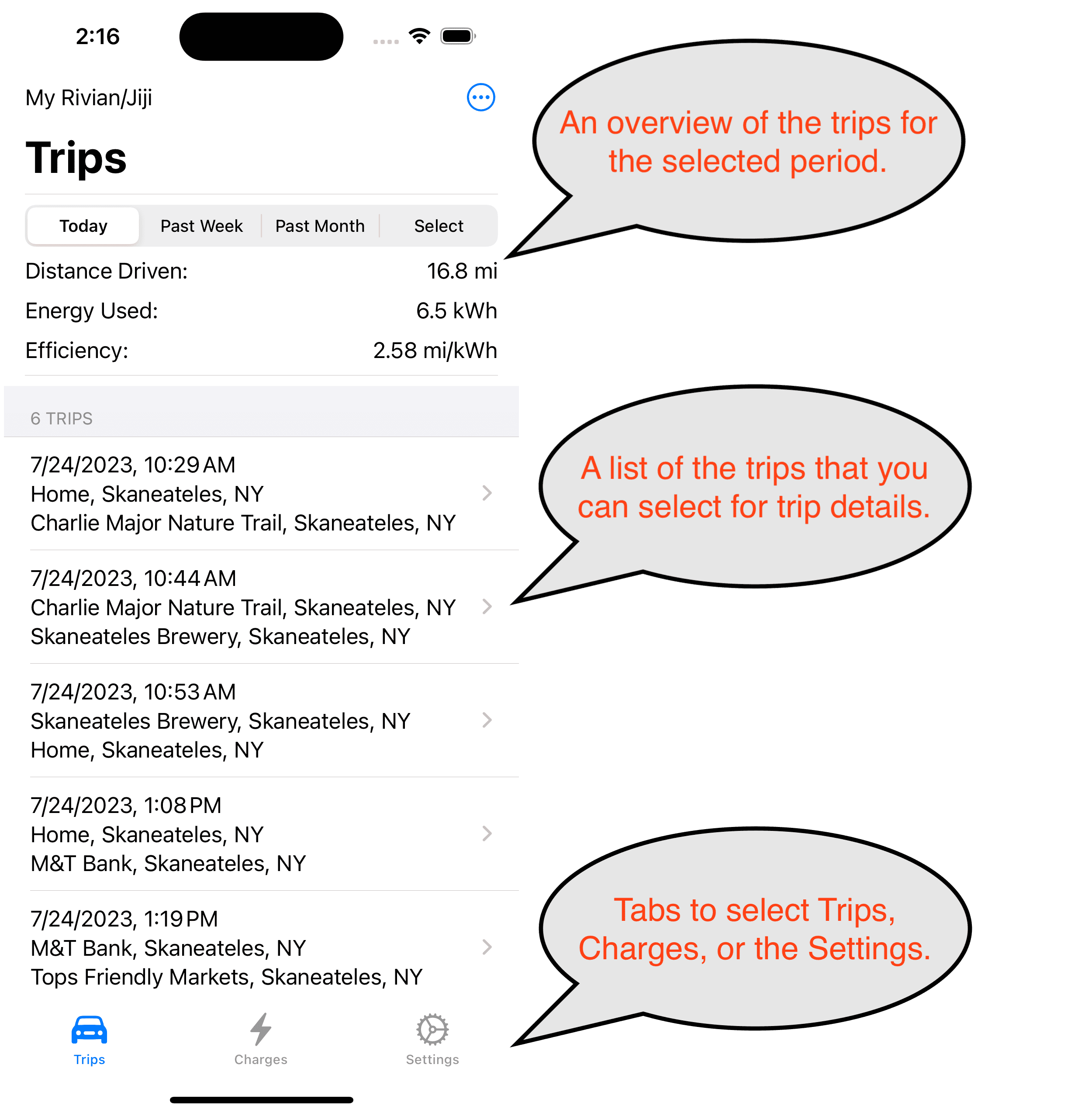
With less than one day of trip history the Past Week and Past Month aren't any different but that will change starting tomorrow. Selecting the 10:44 AM trip you can view it in detail:
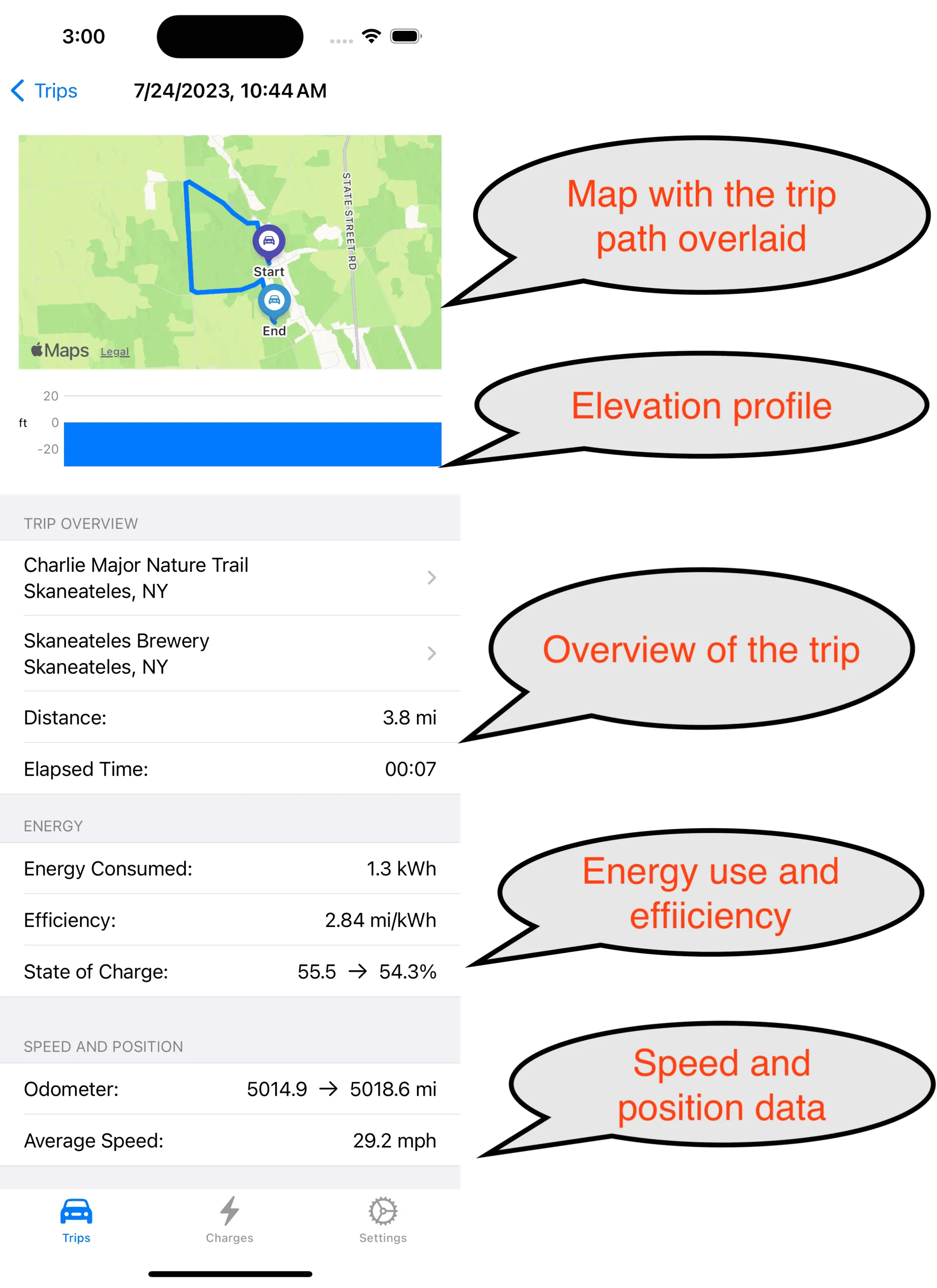
Right now I am using the Rivian GPS which does not include elevation data so the elevation profile will have to wait for a future update using the phone GPS (and speed as a bonus). There is also no Rivian energy data but they do provide the SoC in tenths of a percent so it is a proxy for the energy used (and so far in the limited testing is accurate with the trip odometer).
I don't wish to make a big post but the Charges tab is just like Trips but having charging related data and graphs. And the Settings tab lets you save and store your settings and data stores as well as select your preferring units, including kWh/100km for the Canadian R1 owners.
Finally the requirements:
iPhone running iOS 17 (beta now, probably late Sept release)
Rivian account to source the vehicle data
Distribution will initially be done using the Apple TestFlight app and maybe the AppStore if it ever gets that far. And cell service for the phone and Rivian is required to record trips and charges.Sponsored
Last edited: