

cardad
Well-Known Member
- Thread starter
- #1
Here’s a technique to force your vehicle to charge the 12 V from the HV battery (ie keep it awake) and maybe save a trip to service. The obvious problem with the OEM 12 V is frequent cycling and perhaps insufficient recharging. This method allows some measurements of the 12 V system without accessing the battery.
Rivian was urgently texting me to get my 2 gen 1 R1S in for 12 V inspection/service so I dug around in the service menu to check the voltage since it is a pain to pull the frunk tub to access a gen 1 battery.
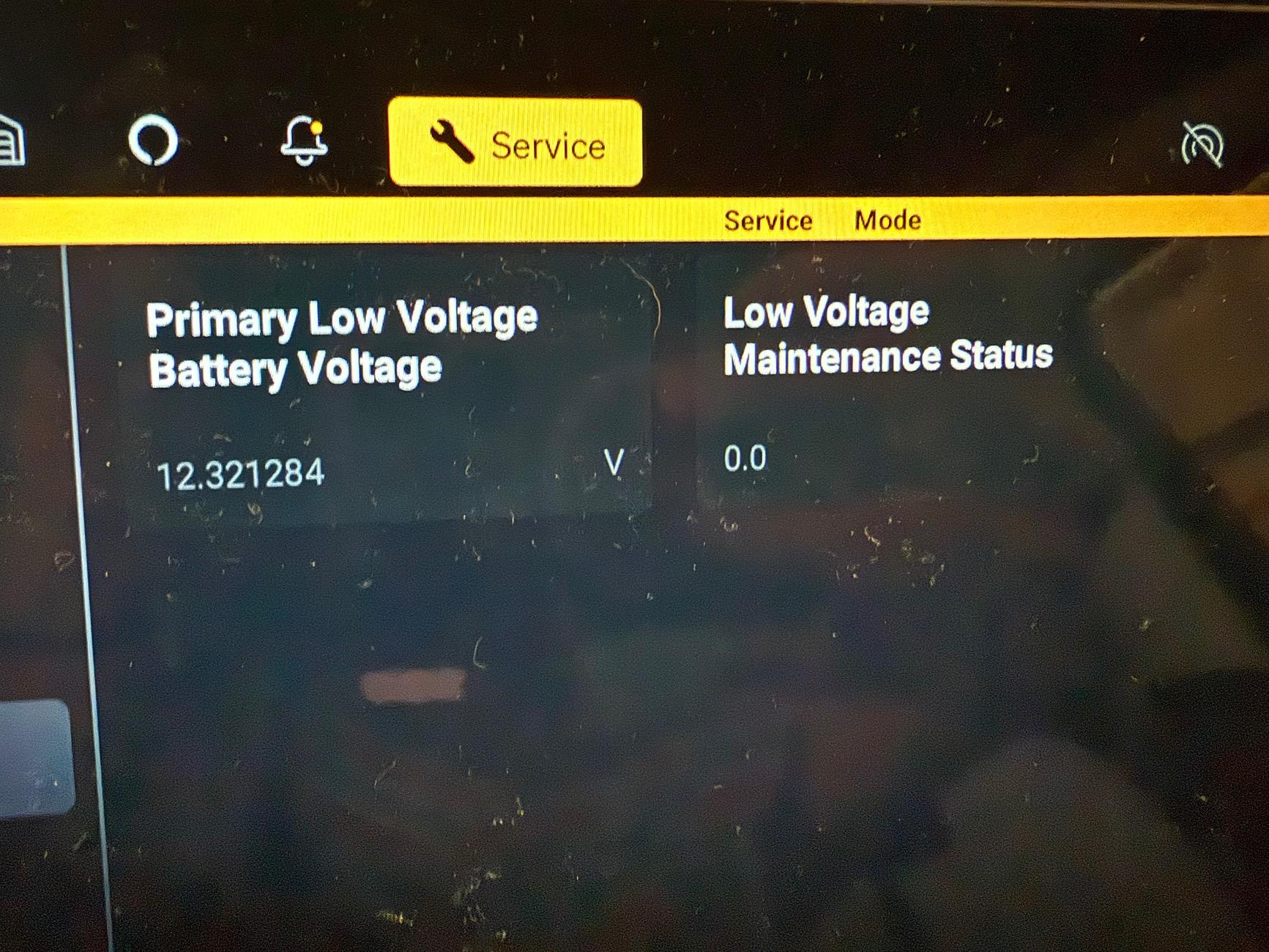
In the service mode menu you can see the low voltage battery “voltage” reading as well as a maintenance status. The flag was “1.0” indicating some kind of deficiency. I could see that it was probably charging from the HV battery due to the somewhat high voltage reading (~14) and the fluctuating readings.
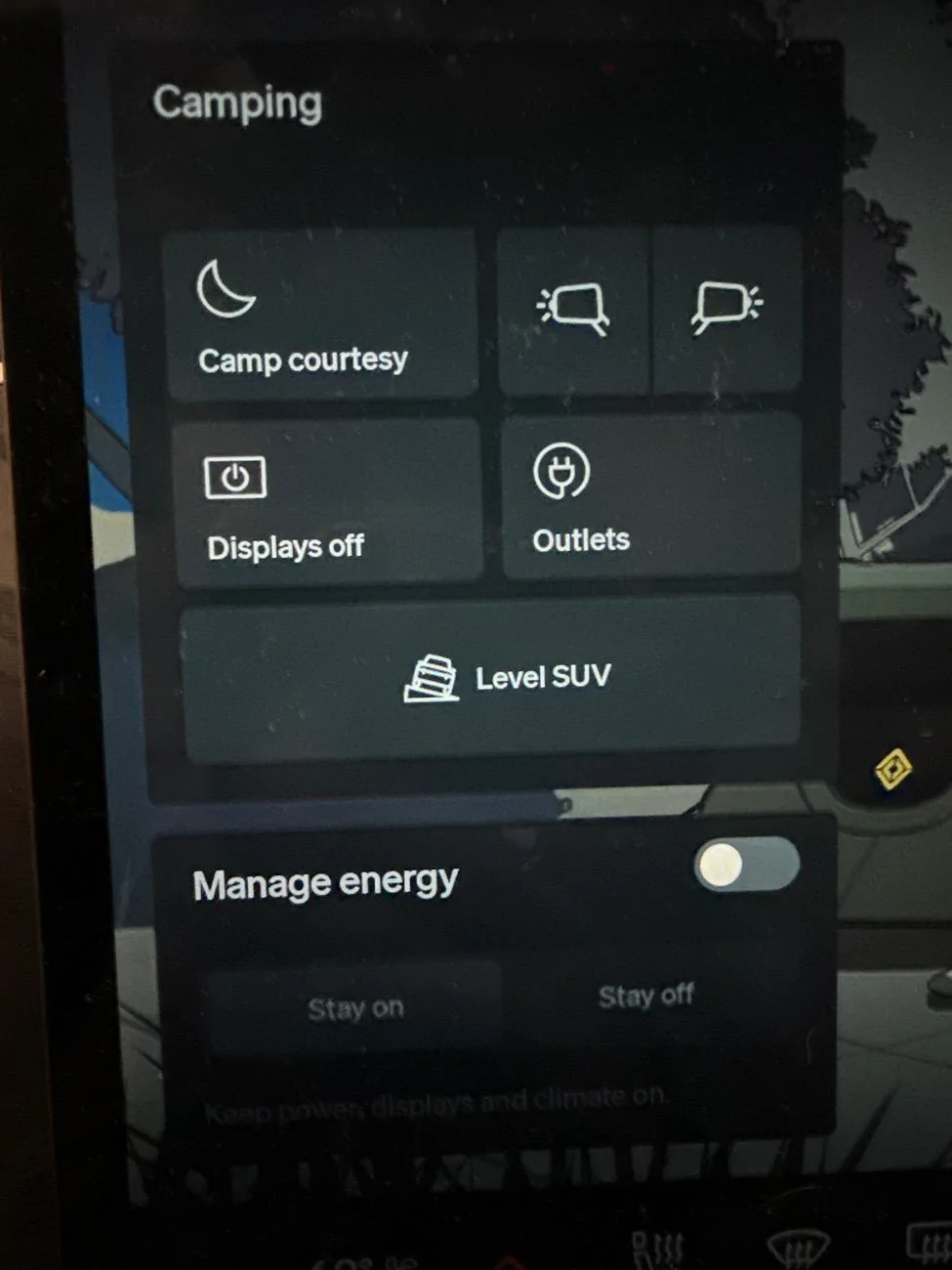
Under “camping” I switched “manage energy” to “stay on” and after about a day I came back and the low voltage maintenance status was now “0” indicating the 12 V system was no longer flagged for maintenance meaning it had charged itself sufficiently to no longer qualify for the status flag.
Service menu: settings—>service—>service mode on—>tap yellow icon on top 5 times—>tap ride icon in menu bar—>tap screen 5 times—>33748


Rivian was urgently texting me to get my 2 gen 1 R1S in for 12 V inspection/service so I dug around in the service menu to check the voltage since it is a pain to pull the frunk tub to access a gen 1 battery.
In the service mode menu you can see the low voltage battery “voltage” reading as well as a maintenance status. The flag was “1.0” indicating some kind of deficiency. I could see that it was probably charging from the HV battery due to the somewhat high voltage reading (~14) and the fluctuating readings.
Under “camping” I switched “manage energy” to “stay on” and after about a day I came back and the low voltage maintenance status was now “0” indicating the 12 V system was no longer flagged for maintenance meaning it had charged itself sufficiently to no longer qualify for the status flag.
Service menu: settings—>service—>service mode on—>tap yellow icon on top 5 times—>tap ride icon in menu bar—>tap screen 5 times—>33748
Sponsored

