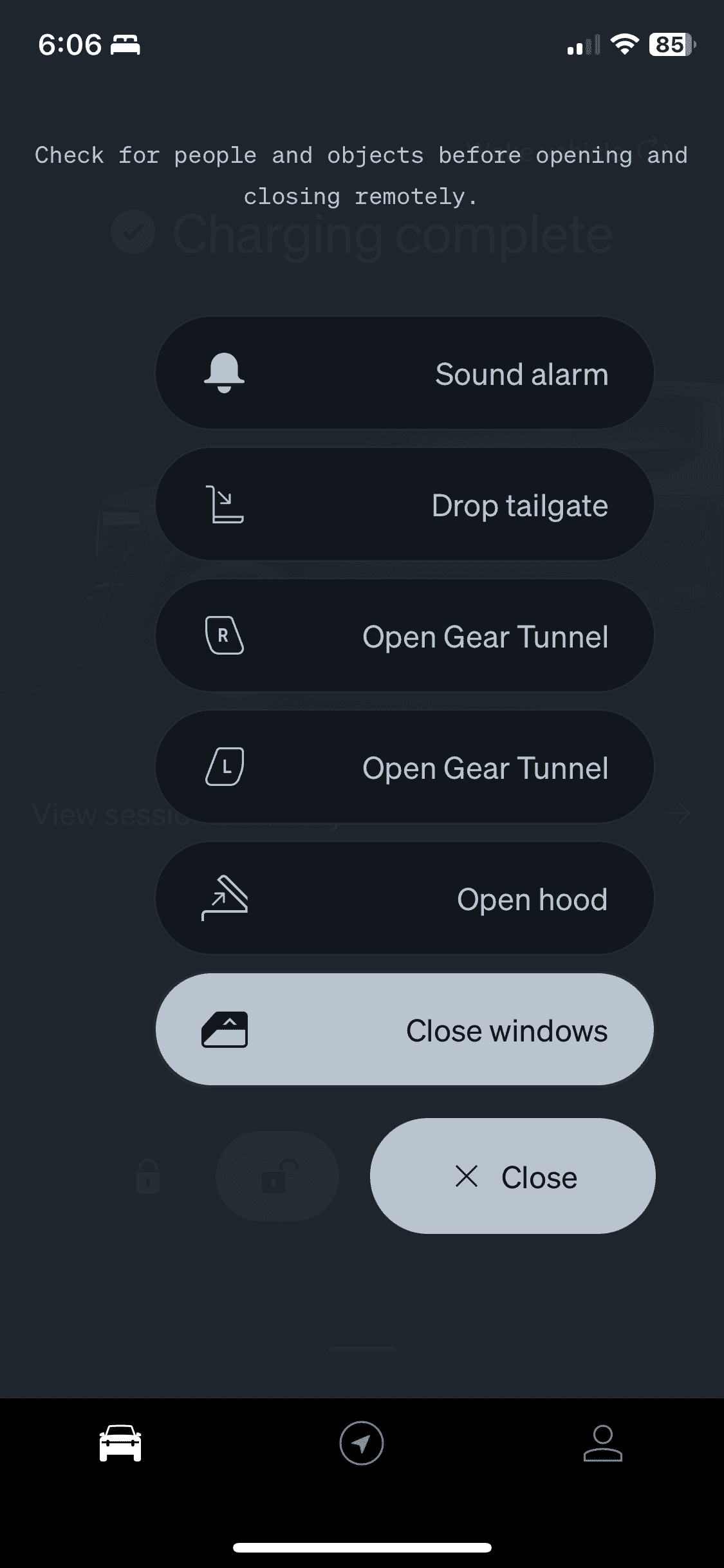
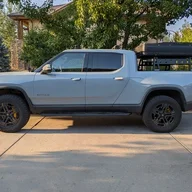
I have seen this both before and after the last software update. We very often use "vent windows" command on our phone. It really helps when cooling the cabin on a hot day. On several occasions, I have noticed that the app is showing that Opal's windows are open, when in fact, they are not. I have just pushed the "close windows" button and forget about it.
This is not a biggie, so we are not going to worry about it.
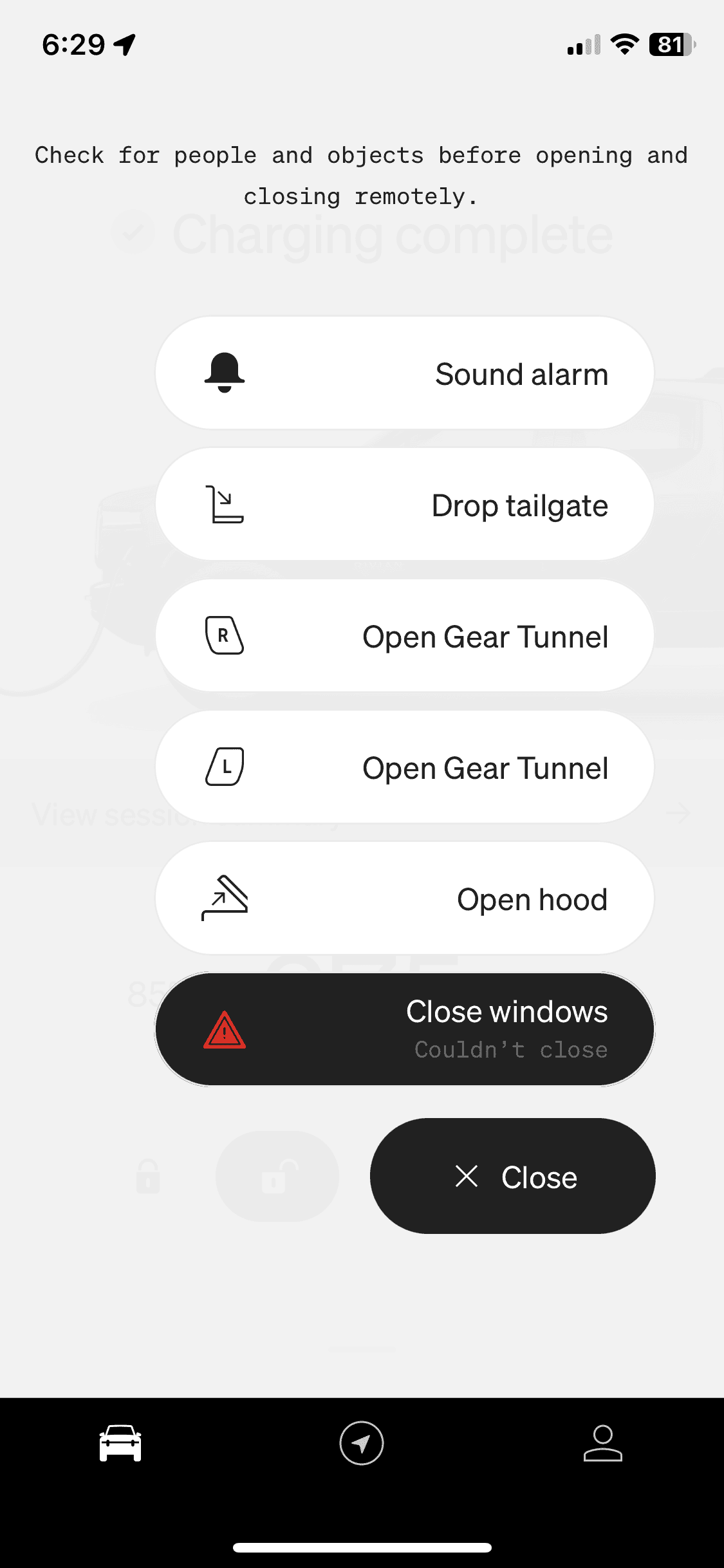
I should have clarified this more. It shows and error after hitting “Close windows”. The windows are closed the whole time. If I open them and hit close, they will close and then still show the error making me think it’s a calibration issue.
I should have clarified this more. It shows and error after hitting “Close windows”. The windows are closed the whole time. If I open them and hit close, they will close and then still show the error making me think it’s a calibration issue.
I had the exact same thing start last week before the update and still persists today after I got the update yesterday. I asked Rivian service and they added it to an upcoming service ticket.
I assume one of the windows needs calibrating (which we can do in the truck) but I don't know which one to do since they all look closed.
I had the exact same thing start last week before the update and still persists today after I got the update yesterday. I asked Rivian service and they added it to an upcoming service ticket.
I assume one of the windows needs calibrating (which we can do in the truck) but I don't know which one to do since they all look closed.
I saw this occasionally in my truck as well. In my case, re-starting the app would correct the problem. They included this in a bug fix in an update several months ago and I haven't had the problem since. It sounds like it has reared its head again.
Same issue here. Got the truck in March and “vent windows” function worked fine. About 3 weeks ago started getting the “couldn’t close” warning, even though it closed them successfully. That keeps the Vent windows button from coming up. Loved the feature and could really use it with the mid summer heat. Tried recalibrating all the windows three times now. Nada.
To recalibrate: started windows all up with vehicle on, doors closed. Press and hold window down button until it's down and continue to hold for 5-6 more seconds. Do the same for that window up. Did that for all 4 windows. Were those the steps you used?
I only did the "down" section of that, I saw a quick notification on the infotainment. Did that on each window from the actual door switch (not just the drivers panel).