hammick
Well-Known Member
- Thread starter
- #1
Full disclosure: Lamtto sent me their RC32 Car Infotainment System at no cost to me for an honest review. I will not receive any compensation other than the unit which I get to keep.
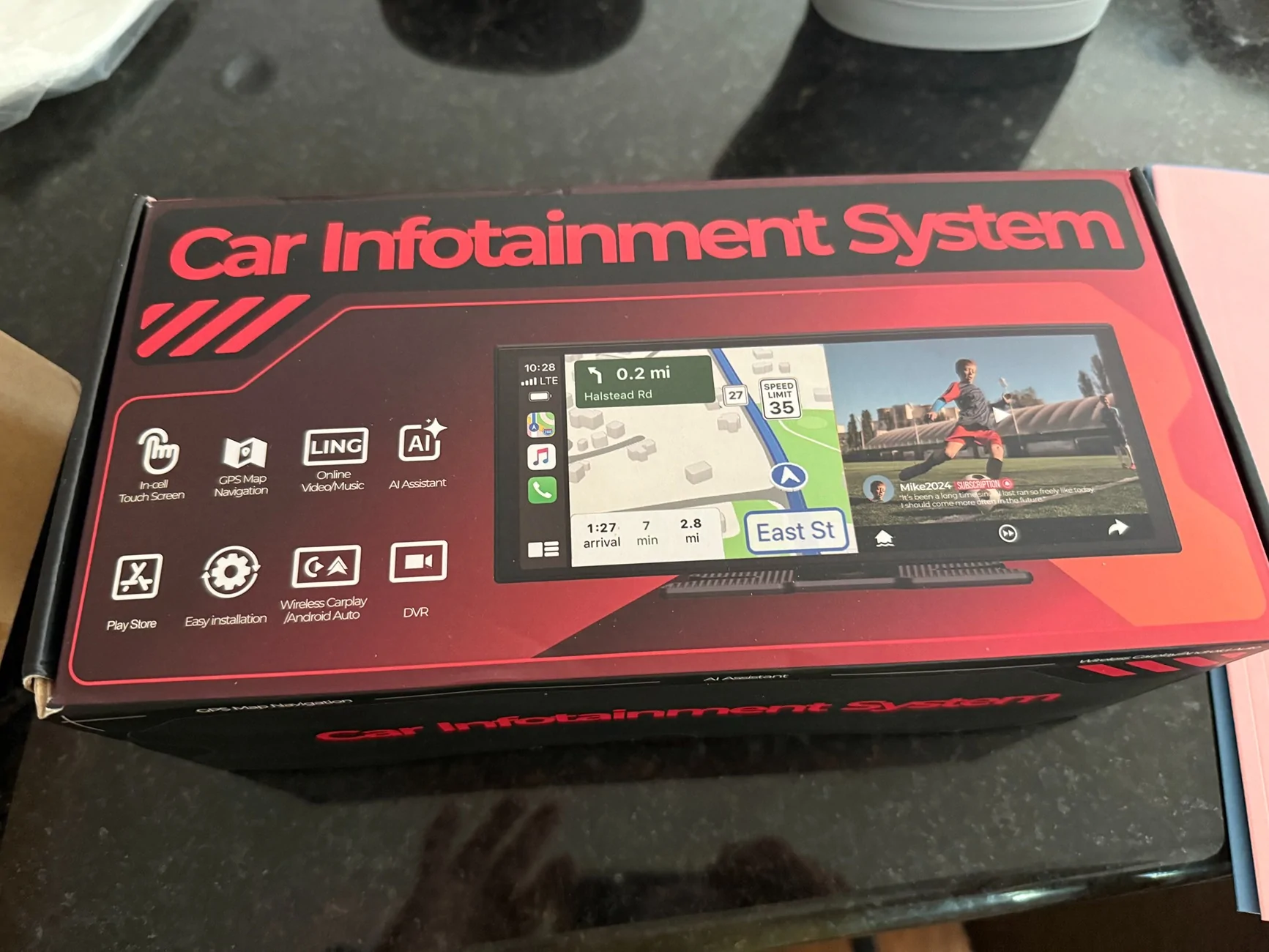
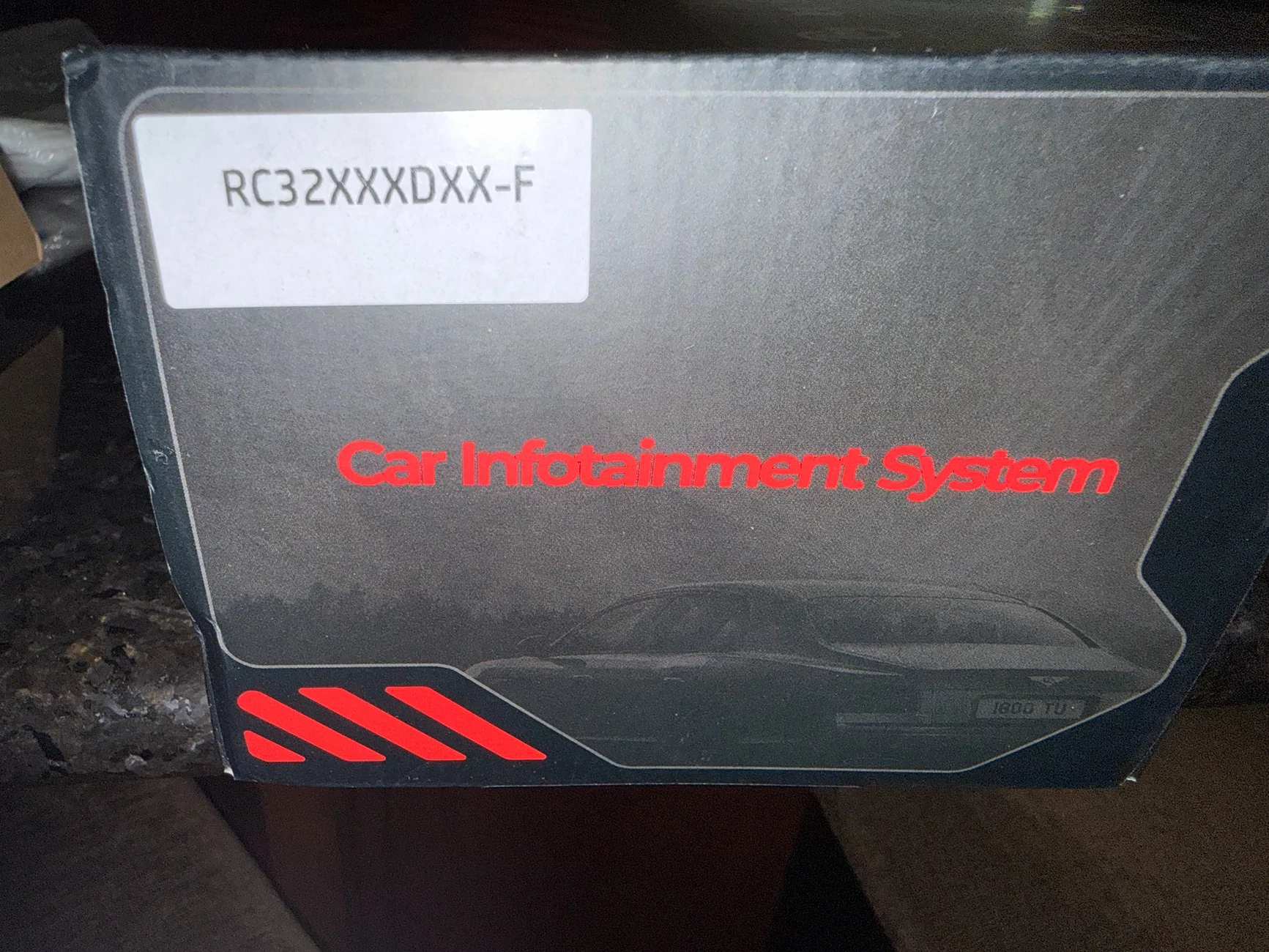
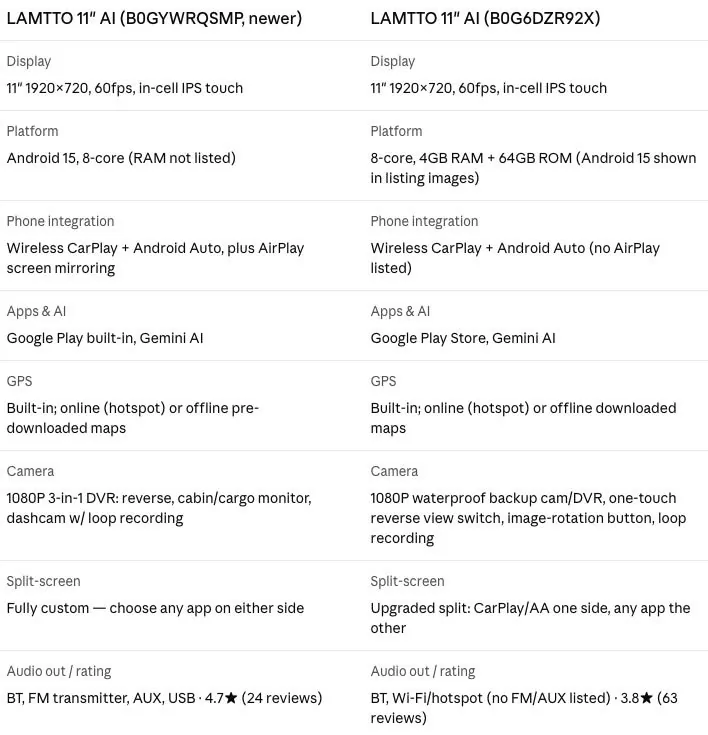
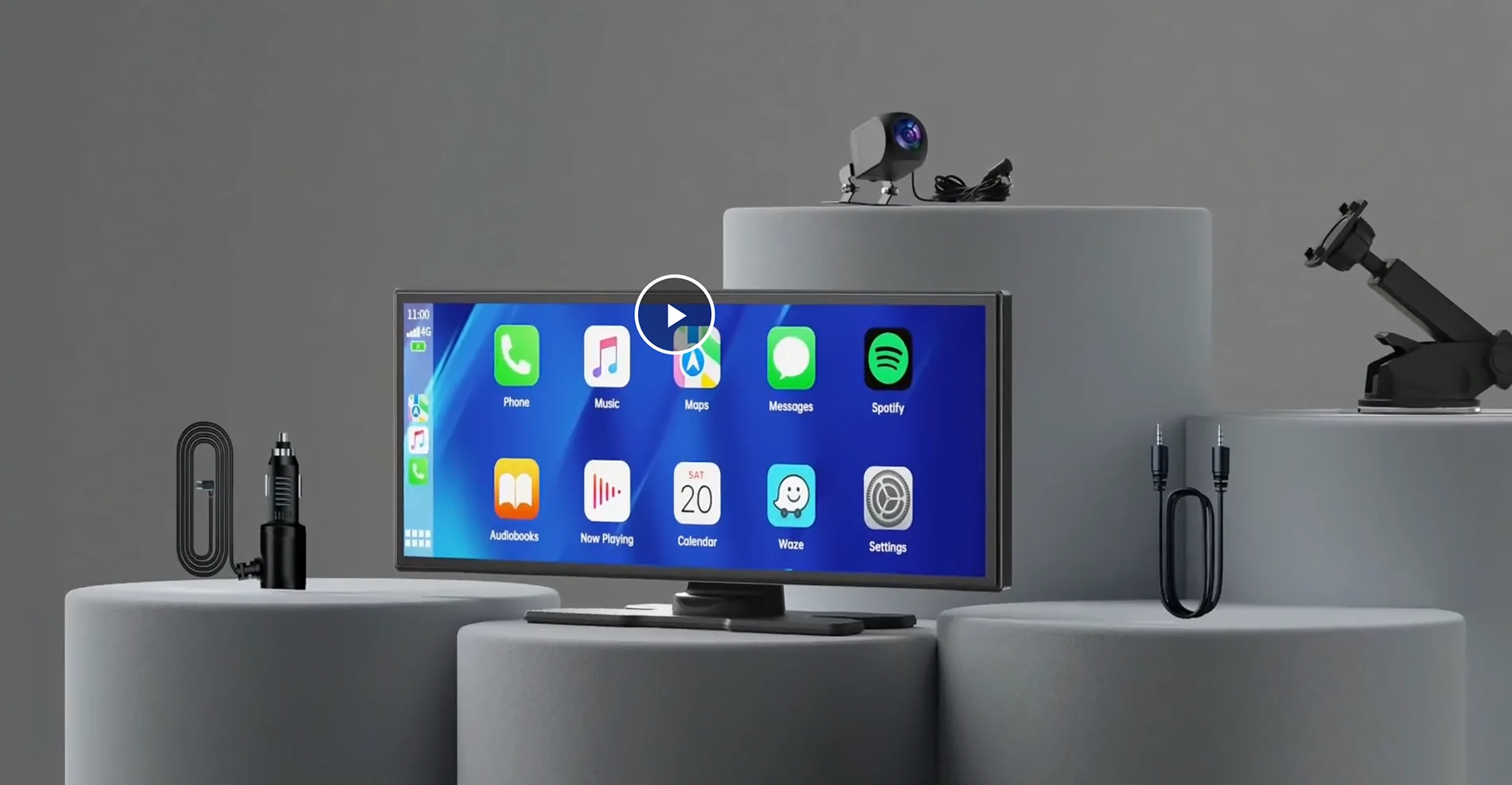
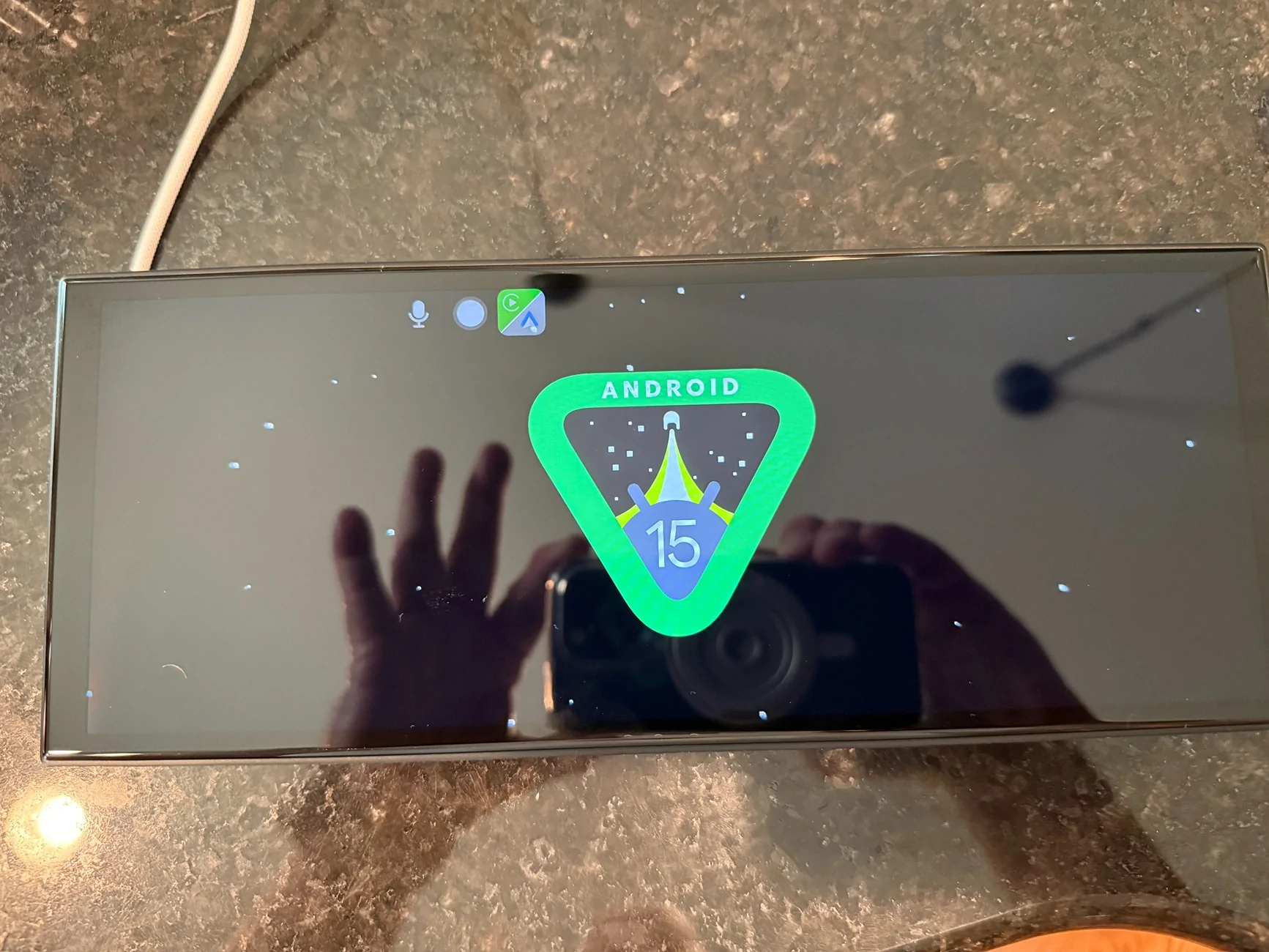
The RC 32 is the latest generation of these rectangular car infotainment systems from Lamtto. This one has dual Wi-Fi and Gemini AI built in, has an 8-core processor and runs Android Auto 15 Operating system.
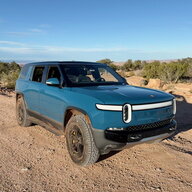
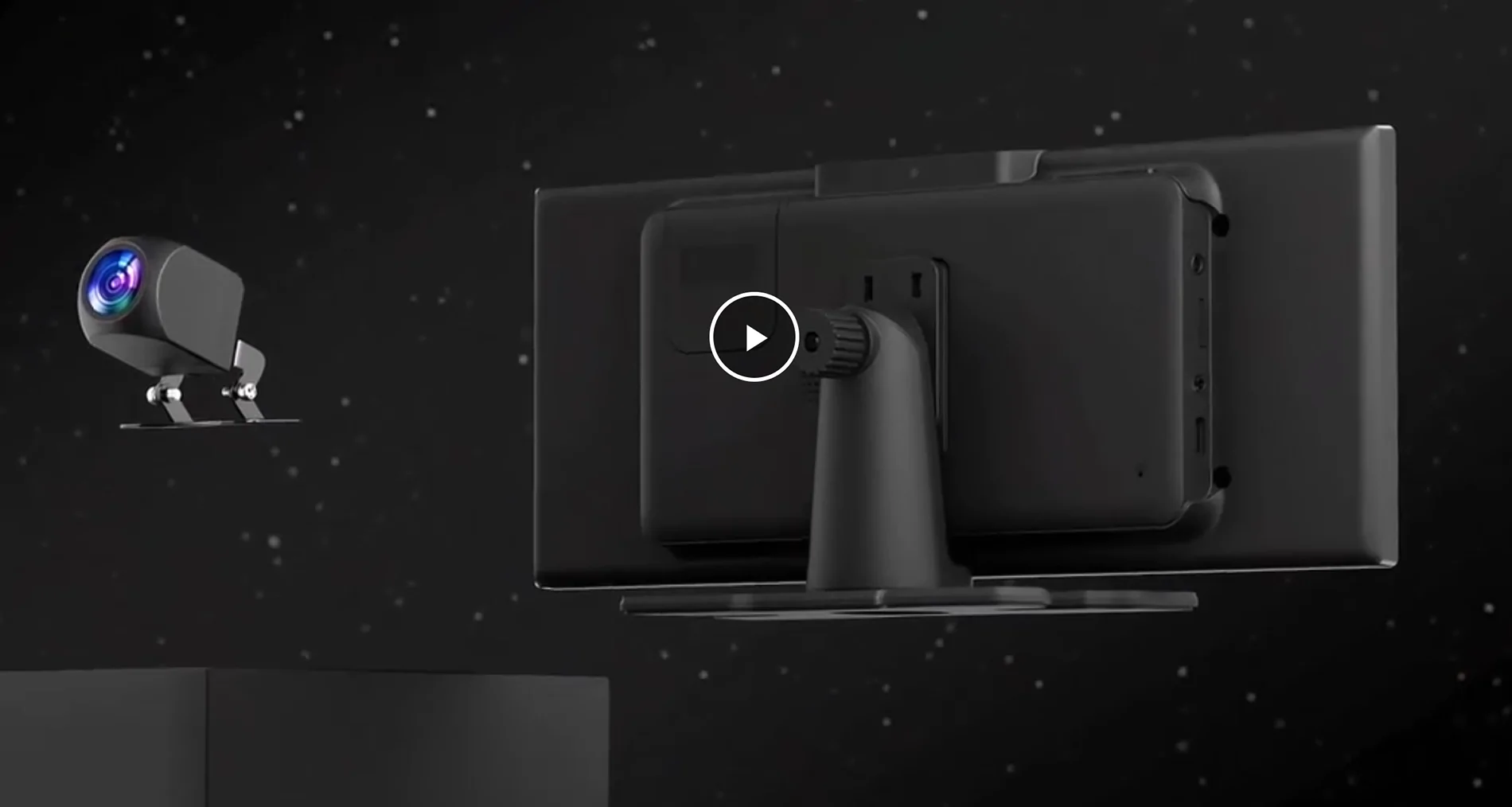
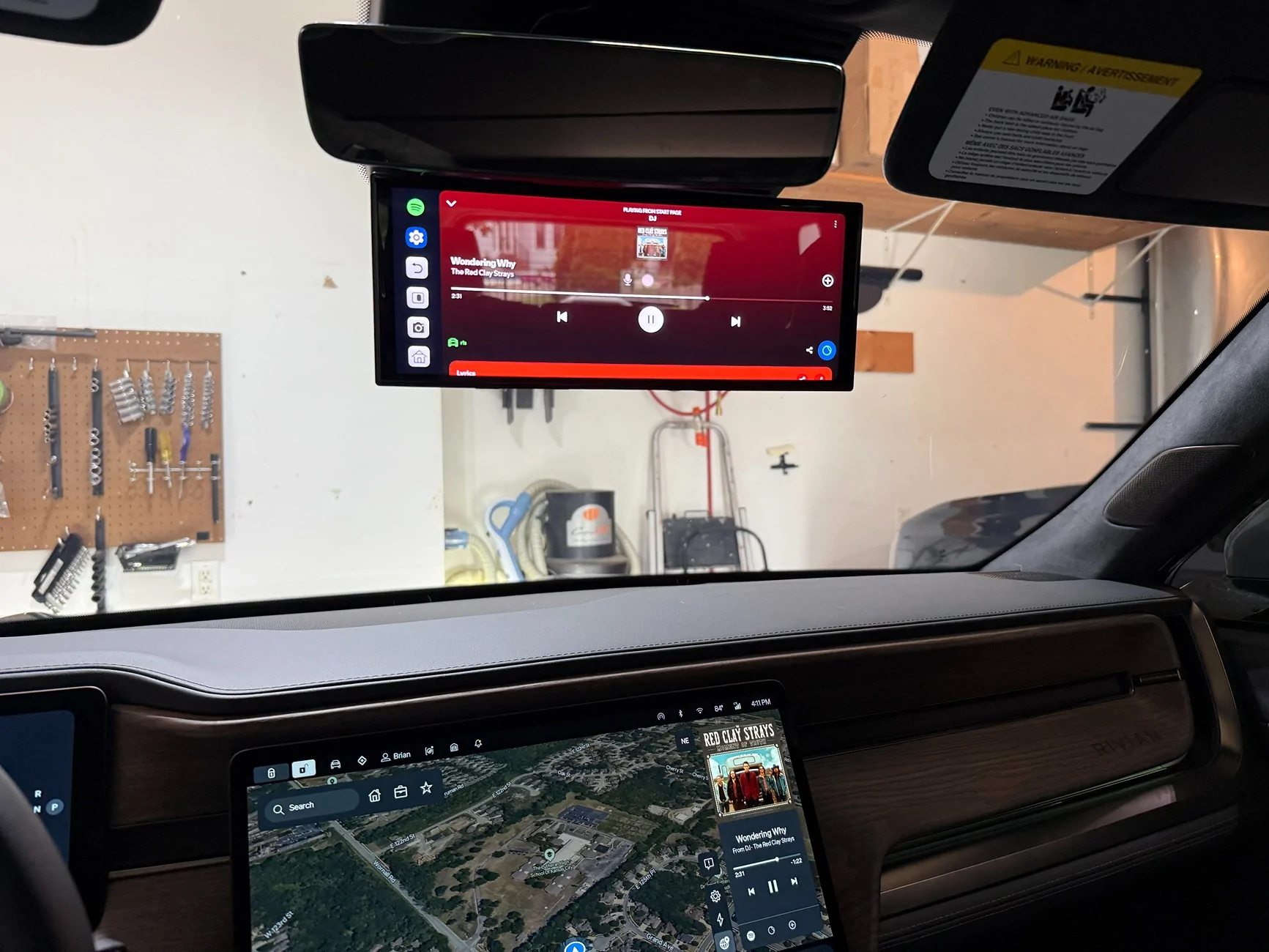
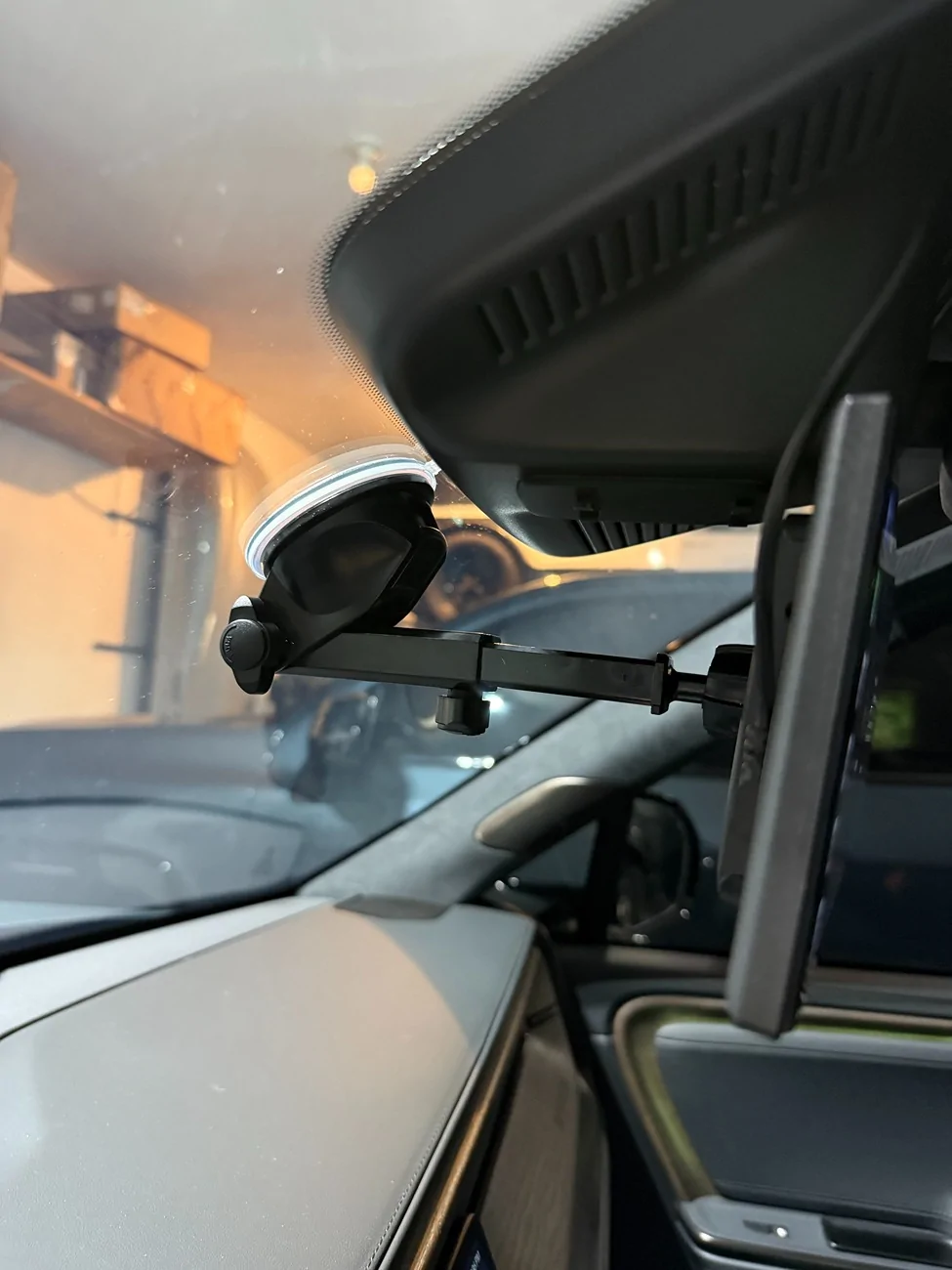
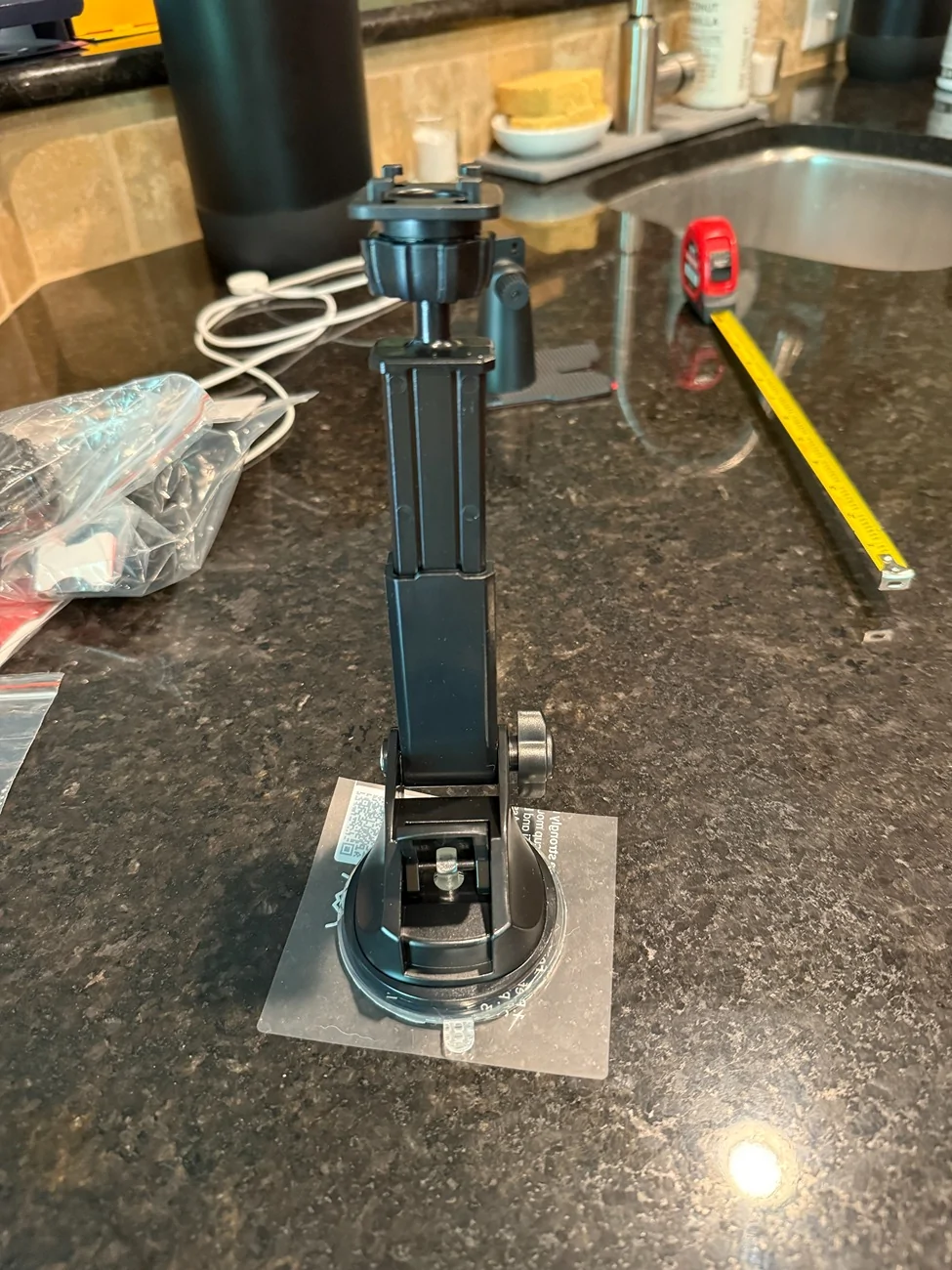
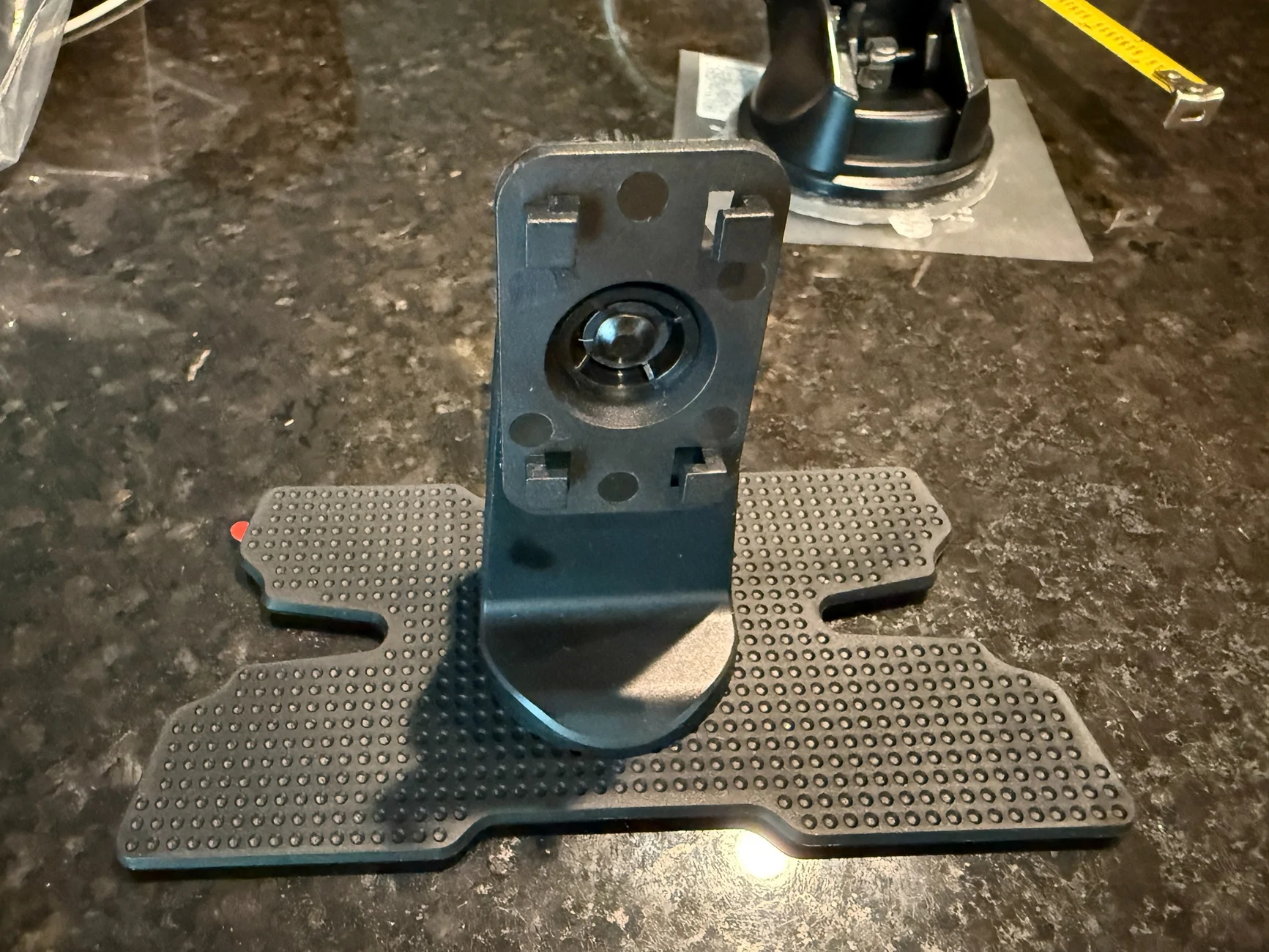
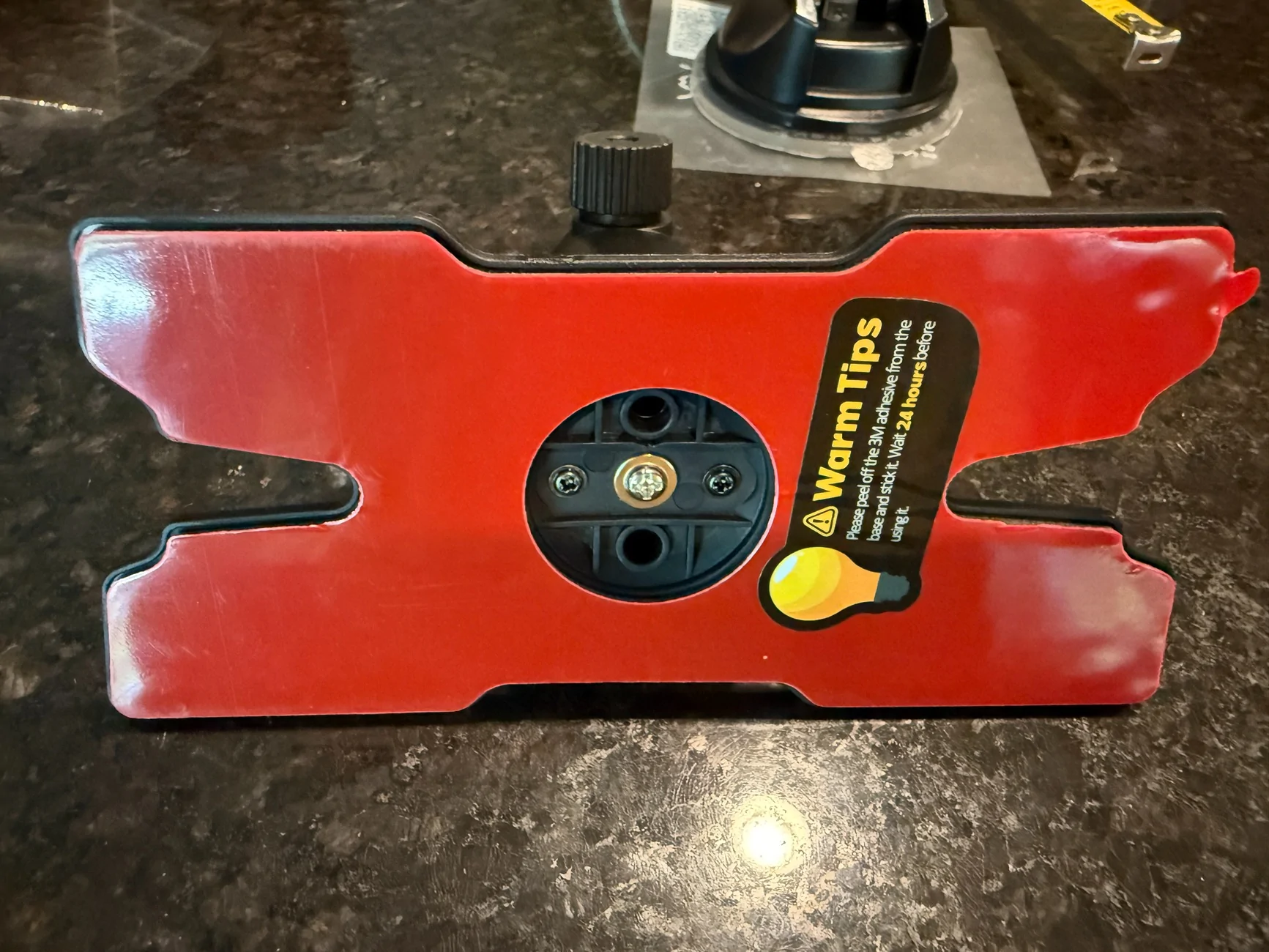
The install in our ’25 Rivian R1S was simple. I used the suction cup mount which is very adjustable to get it right below the rear-view mirror. It also comes with a dash mount. The display by itself is 19.9 ounces so it’s pretty hefty. The windshield mount held it very sturdy when I drove around on pavement. I did not test the strength of the windshield mount off road.
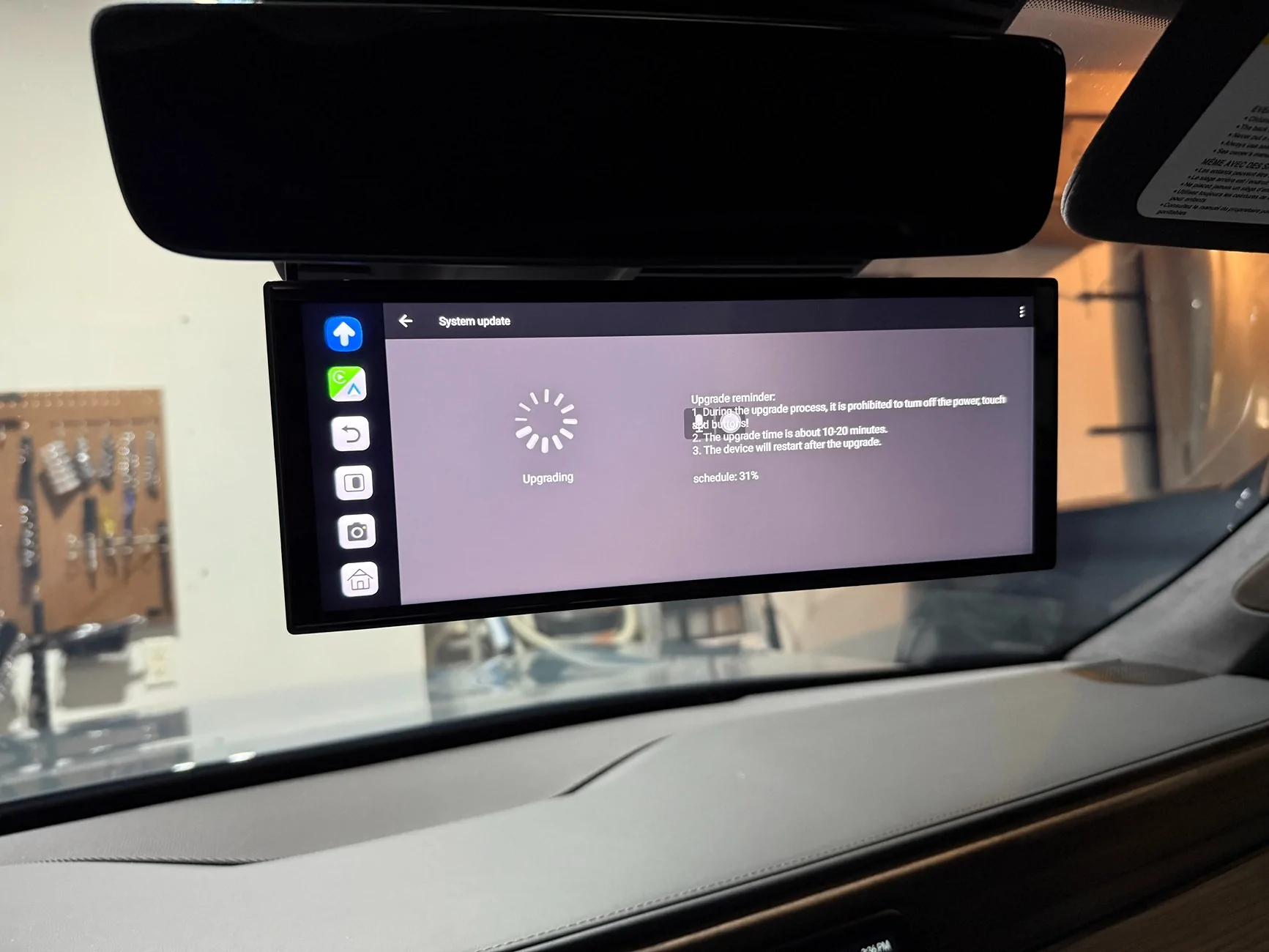
After the initial power up I connected it to our home 5gh Wi-Fi and did a system update which went without issue. I did 4 systems updates until it was on the latest update. On the 4th update I accidently cut the power coming from my OBDII USB C adapter and was worried I bricked the unit. It self-recovered no problem and finished the update.
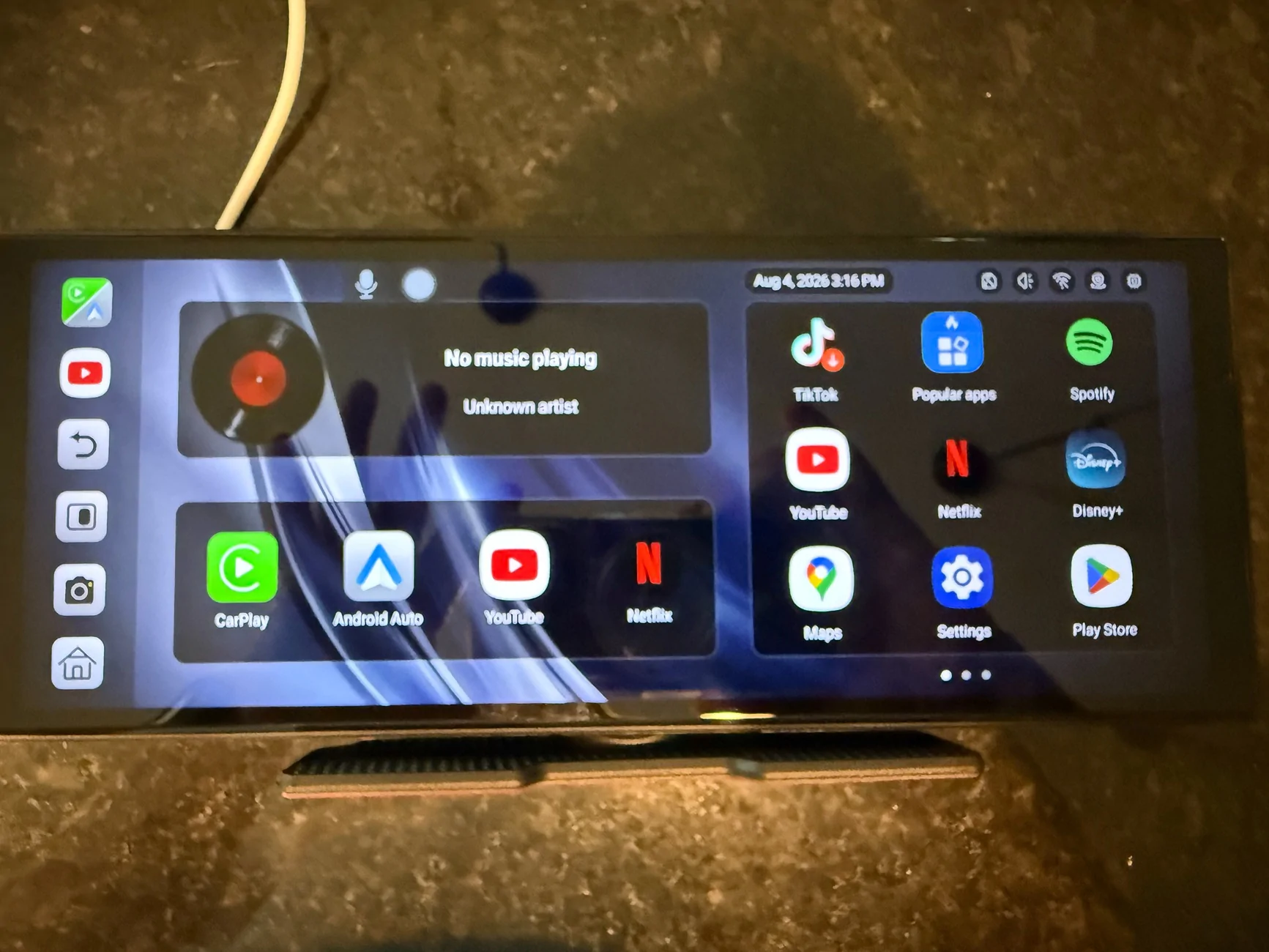
The settings are plentiful but limited to the custom user interface. I couldn’t figure out how to access the full Android 15 settings. Initialyl this caused me some concern but all the settings are there that you need. The unit is very stable and I didn't have any lag or notice any bugs.
I am an iPhone user and I thoroughly tested the CarPlay functions with it connected to my iPhone 16 pro. I also connect the display to the Rivian’s 5gh hotspot and it worked just as well as my home Wi-Fi.
It also has wireless Android Auto which I did not test. I have seen other reviews of the AA functions and they appear to be solid.
It paired with the Bluetooth in my R1S without issue and it sounds as good playing through the Rivian’s sound system as my iPhone 16 Pro does.
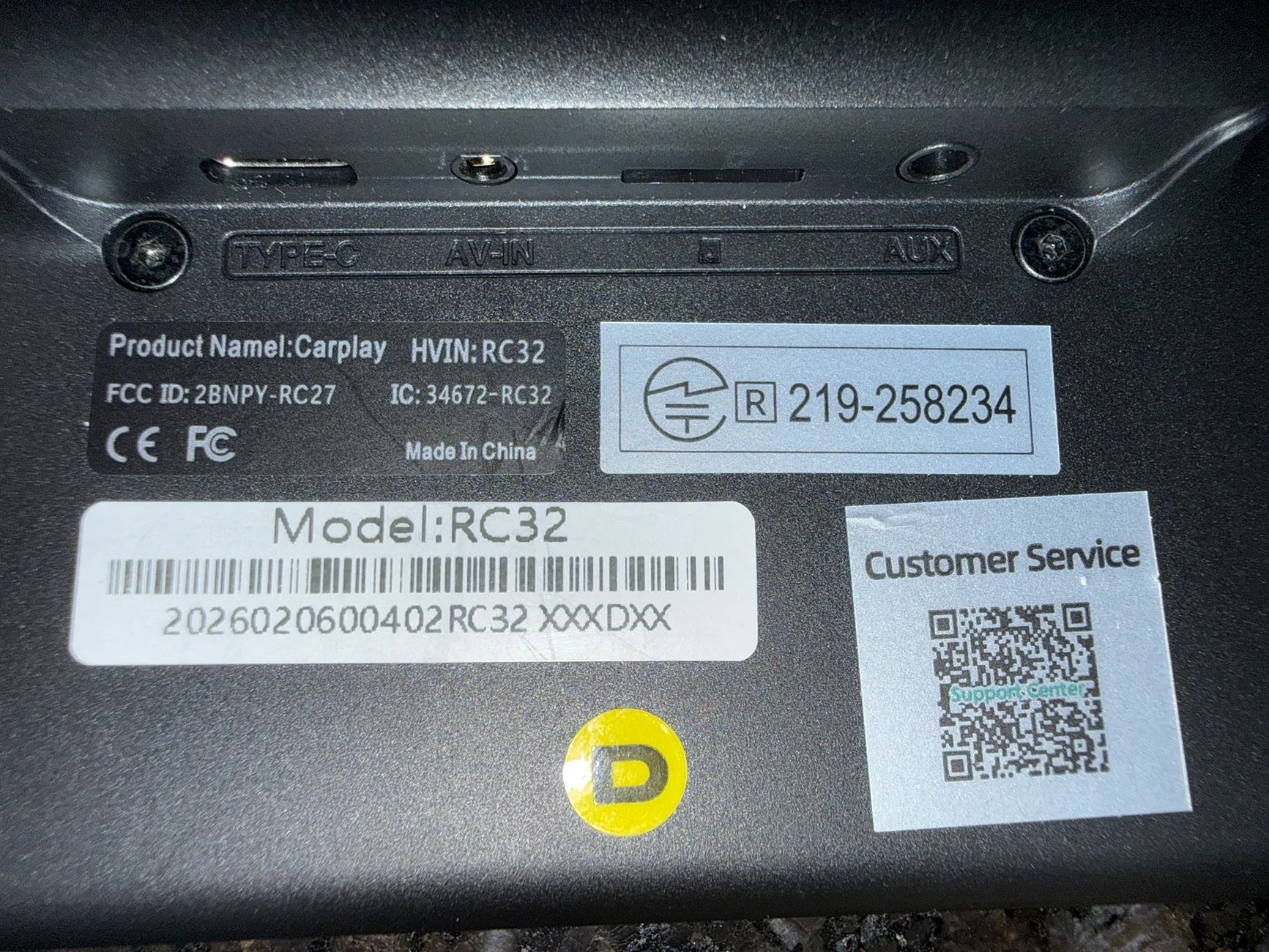
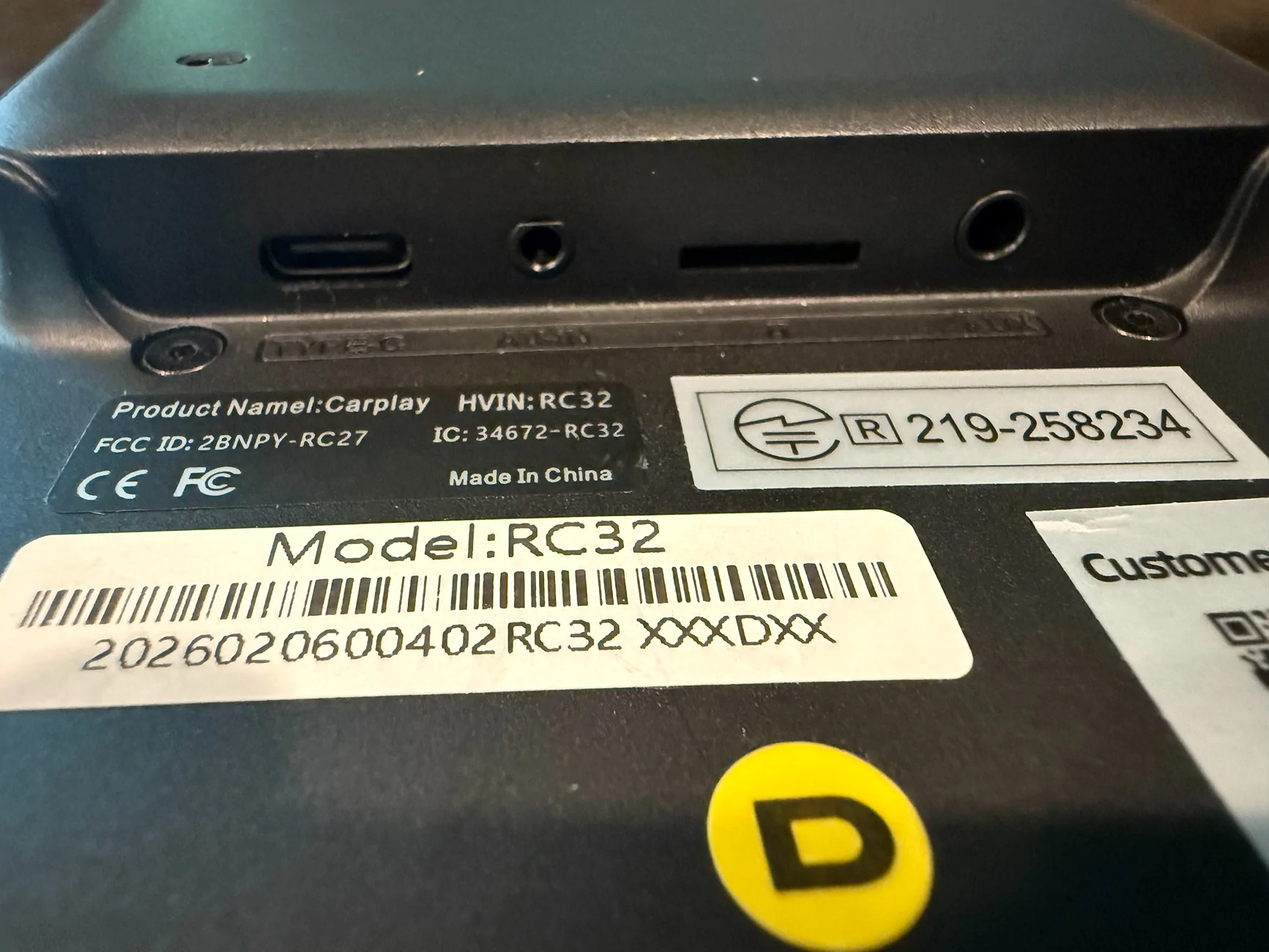
The unit has a built-in speaker which is handy if you just want Waze or navigation alerts to come from the unit and not use it to stream audio to your sound system. It also has an audio aux port and comes with the aux stereo cable which I did not test.
You can also run apps without using the CarPlay interface. I tested Google Maps, Spotify, Netflix, Scenic, Waze, Plug Share, A Better Route Planner and a few other and they all worked without issue. It appears to have access to the entire Google Play Store.
It has a built in GPS chip which seems very strong. I locked onto to GPS when it was powered on in the Kitchen of our two-story home. The speed display in Waze and Google Maps was very accurate.
You can also screen mirror to the unit using Airplay but that requires a direct Wi-Fi connection to the unit.
Netflix videos played just fine while driving but the manual clearly states not to play videos while driving.
I enabled Google Gemini and it worked just as well as the Google Gemini on our TCL TVs and my Sierra EV.
It has full split-screen support for CarPlay and also native split screen using apps outside of CarPlay. You can choose what app automatically appears when you go into split screen.
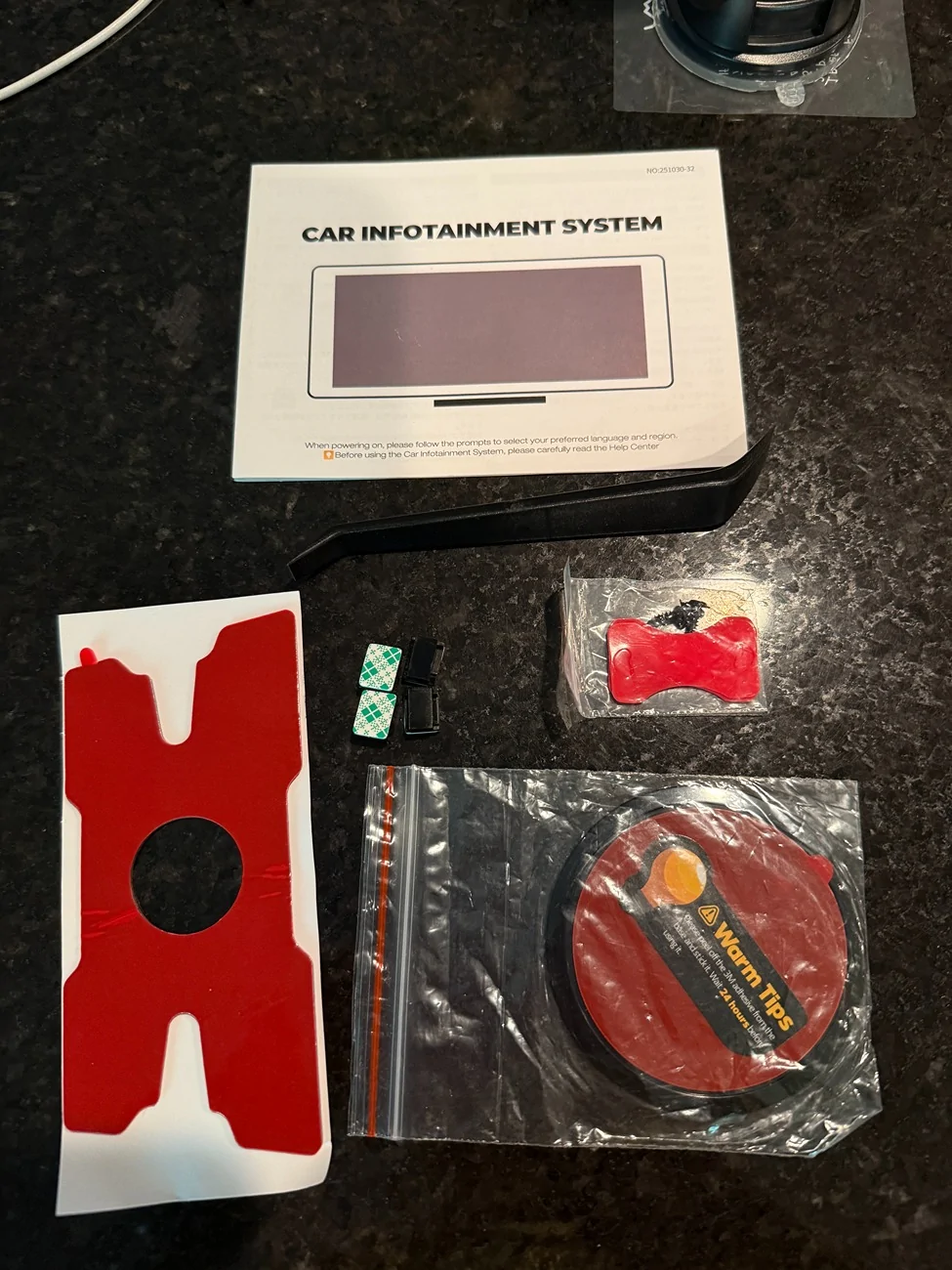
The backup camera is very nice and clear in both 720p and 1080p resolutions. It can be mounted with the include 3m adhesive or two included screws or both. It has backup lines which can be adjusted or removed. It has a reverse light input wire that will automatically put up the camera display if you tap into you backup up light circuit. You can enable the camera manually if you don’t want to tap into your reverse light circuit.
It can also be used as a dash-cam with it’s recording feature if you put an SD card it. It does not come with an SD card.
Apple CarPlay is not that important to me (at least in our Rivian) so I will be using this in our Sierra EV which doesn’t have Carplay and the UI isn’t as intuitive as the Rivian’s to put it nicely. The RC32 can be used for many applications including home stereo use or in an RV.
What I am really hoping works well is mounting this in place of the rear-view mirror in our CFMoto full cab side by side and using it as a back-up camera or a front camera/dash cam. Our side by side already has a nice display with Apple Carplay but I can see the RC32 working great in side x sides as most of them don’t have digital displays.
I paired my Ipod 3 Pro earbuds to the unit and they sound just as good as pairing them to my Iphone 16 Pro. Phone calls through Carplay were just as good as using the system in our Rivian or my earbuds.
One word of caution if you are installing the RC32 in an EV. Make sure you use a switched power source as this can get very hot in full windshield sun if you AC is not on. I put it to sleep with the power button (just press once but don’t hold to sleep) while our R1S was parked in our very hot garage on a heat warning day and when I got back in the car the unit was very hot. It was still working just fine but something to consider.
LAMTTO 11’’ AI Wireless CarPlay with Google Play & Gemini AI Display for Road Trip Entertainment
Lamtto also has an Amazon store:
Amazon.com: LAMTTO 11'' AI CarPlay Screen with Google-Play Download APPs & Gemini | Smooth 8 Core,Wireless Car Play Android Auto,Vivid 60FPS 1920x720 Display,1080P Backup Camera/DVR for Road Trip Entertainment : Electronics
It comes with a one-year warranty.
If you have any questions post them here and I’ll do my best to answer the assuming they are Android Auto related.


The RC 32 is the latest generation of these rectangular car infotainment systems from Lamtto. This one has dual Wi-Fi and Gemini AI built in, has an 8-core processor and runs Android Auto 15 Operating system.
The install in our ’25 Rivian R1S was simple. I used the suction cup mount which is very adjustable to get it right below the rear-view mirror. It also comes with a dash mount. The display by itself is 19.9 ounces so it’s pretty hefty. The windshield mount held it very sturdy when I drove around on pavement. I did not test the strength of the windshield mount off road.
After the initial power up I connected it to our home 5gh Wi-Fi and did a system update which went without issue. I did 4 systems updates until it was on the latest update. On the 4th update I accidently cut the power coming from my OBDII USB C adapter and was worried I bricked the unit. It self-recovered no problem and finished the update.
The settings are plentiful but limited to the custom user interface. I couldn’t figure out how to access the full Android 15 settings. Initialyl this caused me some concern but all the settings are there that you need. The unit is very stable and I didn't have any lag or notice any bugs.
I am an iPhone user and I thoroughly tested the CarPlay functions with it connected to my iPhone 16 pro. I also connect the display to the Rivian’s 5gh hotspot and it worked just as well as my home Wi-Fi.
It also has wireless Android Auto which I did not test. I have seen other reviews of the AA functions and they appear to be solid.
It paired with the Bluetooth in my R1S without issue and it sounds as good playing through the Rivian’s sound system as my iPhone 16 Pro does.
The unit has a built-in speaker which is handy if you just want Waze or navigation alerts to come from the unit and not use it to stream audio to your sound system. It also has an audio aux port and comes with the aux stereo cable which I did not test.
You can also run apps without using the CarPlay interface. I tested Google Maps, Spotify, Netflix, Scenic, Waze, Plug Share, A Better Route Planner and a few other and they all worked without issue. It appears to have access to the entire Google Play Store.
It has a built in GPS chip which seems very strong. I locked onto to GPS when it was powered on in the Kitchen of our two-story home. The speed display in Waze and Google Maps was very accurate.
You can also screen mirror to the unit using Airplay but that requires a direct Wi-Fi connection to the unit.
Netflix videos played just fine while driving but the manual clearly states not to play videos while driving.
I enabled Google Gemini and it worked just as well as the Google Gemini on our TCL TVs and my Sierra EV.
It has full split-screen support for CarPlay and also native split screen using apps outside of CarPlay. You can choose what app automatically appears when you go into split screen.
The backup camera is very nice and clear in both 720p and 1080p resolutions. It can be mounted with the include 3m adhesive or two included screws or both. It has backup lines which can be adjusted or removed. It has a reverse light input wire that will automatically put up the camera display if you tap into you backup up light circuit. You can enable the camera manually if you don’t want to tap into your reverse light circuit.
It can also be used as a dash-cam with it’s recording feature if you put an SD card it. It does not come with an SD card.
Apple CarPlay is not that important to me (at least in our Rivian) so I will be using this in our Sierra EV which doesn’t have Carplay and the UI isn’t as intuitive as the Rivian’s to put it nicely. The RC32 can be used for many applications including home stereo use or in an RV.
What I am really hoping works well is mounting this in place of the rear-view mirror in our CFMoto full cab side by side and using it as a back-up camera or a front camera/dash cam. Our side by side already has a nice display with Apple Carplay but I can see the RC32 working great in side x sides as most of them don’t have digital displays.
I paired my Ipod 3 Pro earbuds to the unit and they sound just as good as pairing them to my Iphone 16 Pro. Phone calls through Carplay were just as good as using the system in our Rivian or my earbuds.
One word of caution if you are installing the RC32 in an EV. Make sure you use a switched power source as this can get very hot in full windshield sun if you AC is not on. I put it to sleep with the power button (just press once but don’t hold to sleep) while our R1S was parked in our very hot garage on a heat warning day and when I got back in the car the unit was very hot. It was still working just fine but something to consider.
LAMTTO 11’’ AI Wireless CarPlay with Google Play & Gemini AI Display for Road Trip Entertainment
Lamtto also has an Amazon store:
Amazon.com: LAMTTO 11'' AI CarPlay Screen with Google-Play Download APPs & Gemini | Smooth 8 Core,Wireless Car Play Android Auto,Vivid 60FPS 1920x720 Display,1080P Backup Camera/DVR for Road Trip Entertainment : Electronics
It comes with a one-year warranty.
If you have any questions post them here and I’ll do my best to answer the assuming they are Android Auto related.
Sponsored
Last edited: